

Connection Types
- External service providers Each external provider has their own connection type. Blink provides out-of-the-box integrations to well-known services. Here is an extensive list describing how to create connections with external service providers.
-
HTTP
There are 3 connection types in Blink, aimed to aid in cases that require authenticating to a service that is not currently supported by Blink. These connection types achieve that by adding custom authentication headers to the request:
- HTTP Basic Authentication: use this connection type to authenticate to an external provider using Basic Authentication.
- HTTP Bearer Authentication: use this connection type to authenticate to an external provider using a Bearer Token.
- HTTP Custom Authentication: this connection type enables adding up to 3 custom headers to the HTTP request.
- SSH Using SSH enables you to create a connection to a server and to execute Actions. To create a connection using SSH, you will need a private key, a username, and a passphrase to encrypt the private key.
- Email Server Using the mail connection type allows sending email from a specific SMTP server instead of directly from us.
Managing your Connections
On your connections page you can see all of your connections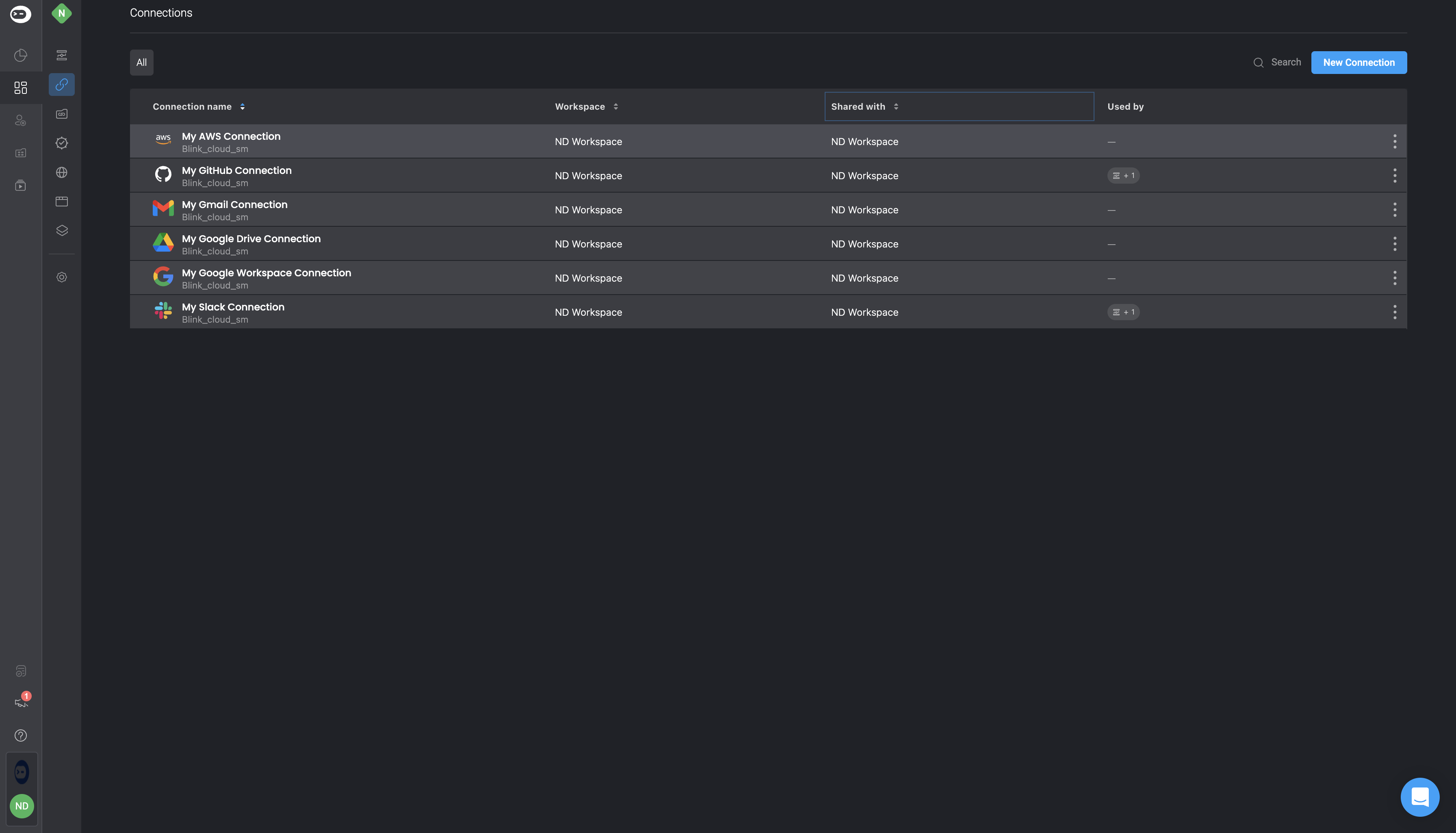
| Variable | Description |
|---|---|
| Name | The name provided for the connection. |
| Connection type | The type of the connection. |
| Used by | The number of Workflow using this connection (current and shared workspaces). To see the names of the Workflow, click Edit > Sharing & Permissions on the connection. |
| Shared with | The number of workspaces this connections is shared with. To see the names of the Workflow, click Edit > Sharing & Permissions on the connection. |
| Workspace | The name of the workspace in which this connection was created. A connection shared from another workspace will show the name of workspace that created it. |
| Tags | Tags assigned when the connection was created. |