INFOPublished and Active Dashboards will be presented in the self-service portal.
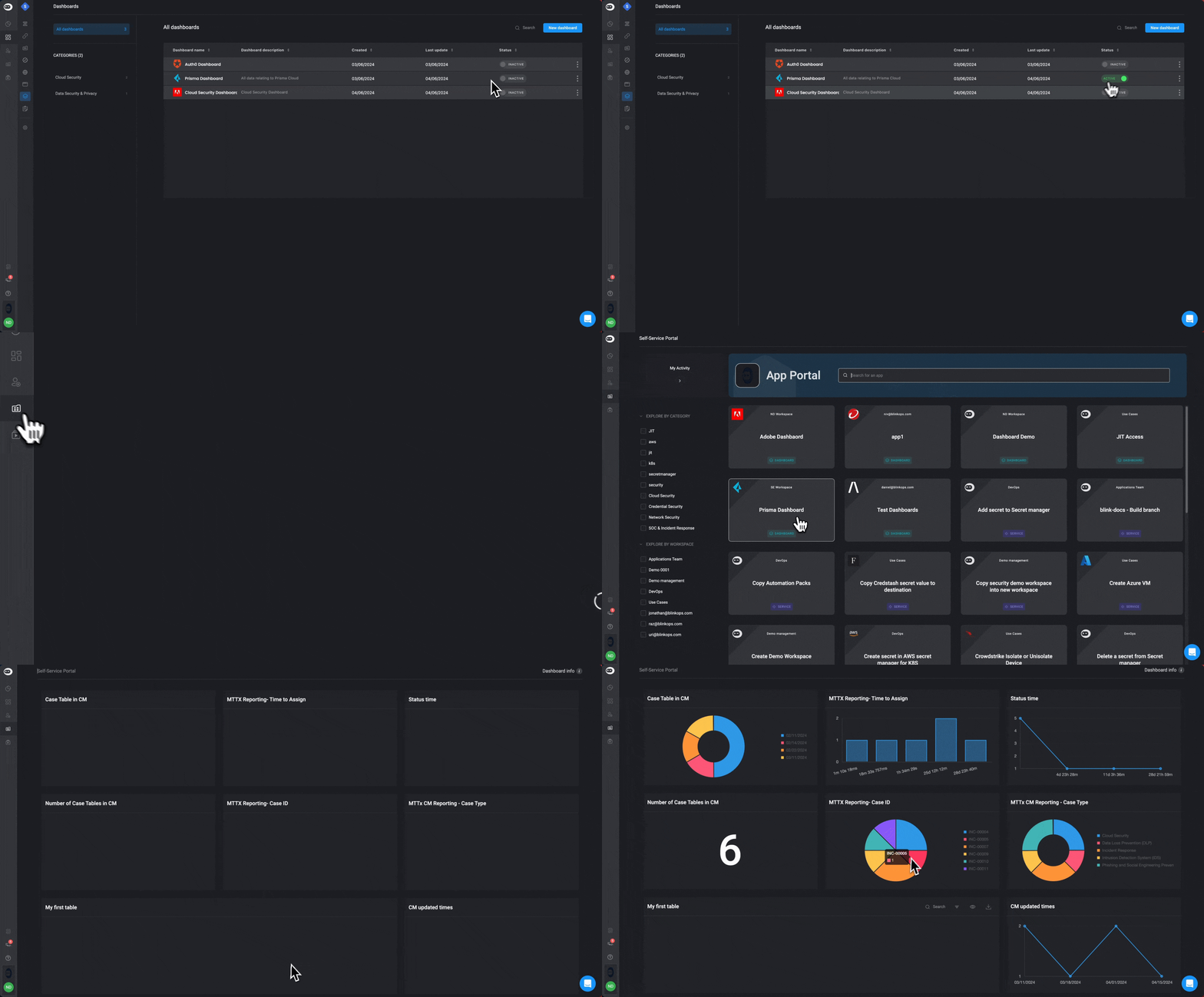
- When you activate a dashboard on the Dashboard Table, by toggling the button, it will automatically to be added to the Self-service Portal.
- In the Self-service Portal, you can access all your active dashboards.
- Clicking on a dashboard card will take you to the selected dashboard, where you can review the data and take actions.