Documentation Index
Fetch the complete documentation index at: https://learninghub.blinkops.com/llms.txt
Use this file to discover all available pages before exploring further.
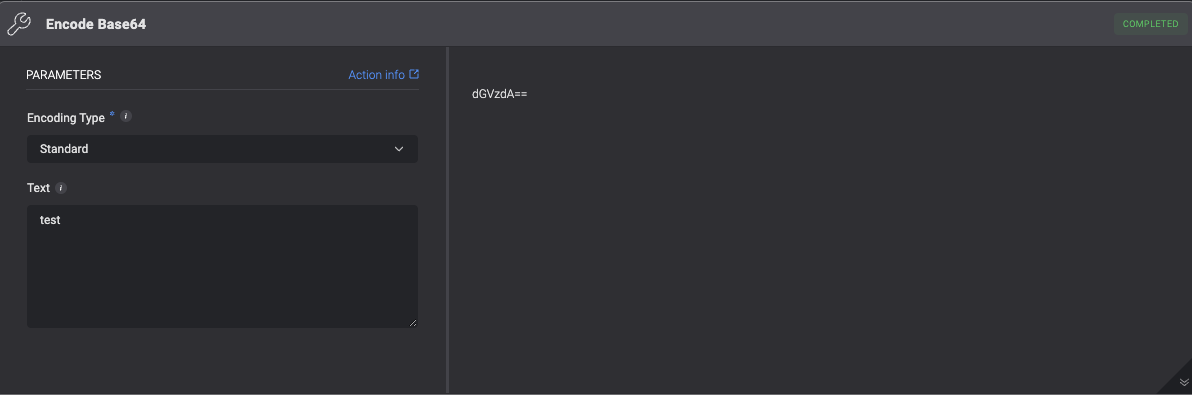
Encode Base64
Encodes the input text to base64 and prints the result to the output screen. The action supports either standard base64 or URL base64 encoding.
| Parameter | Description |
|---|
| Text | The text to encode. |
| Encoding Type | The type of encoding to decode: Standard or URL |
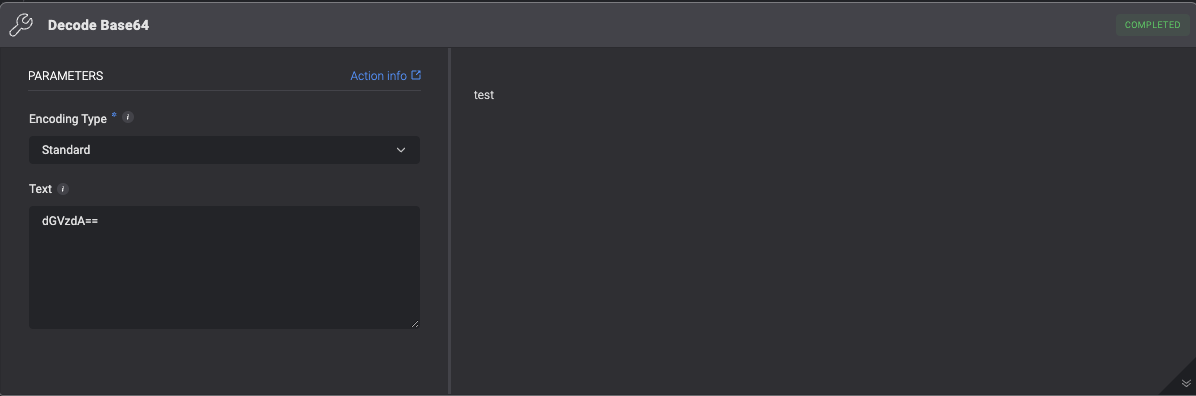
Decode Base64
Decodes the input text from base64 and prints the result to the output screen. The action supports either standard base64 or URL base64 encoding.
| Parameter | Description |
|---|
| Text | The text to decode. |
| Encoding Type | The type of encoding: Standard or URL |
Encode URL
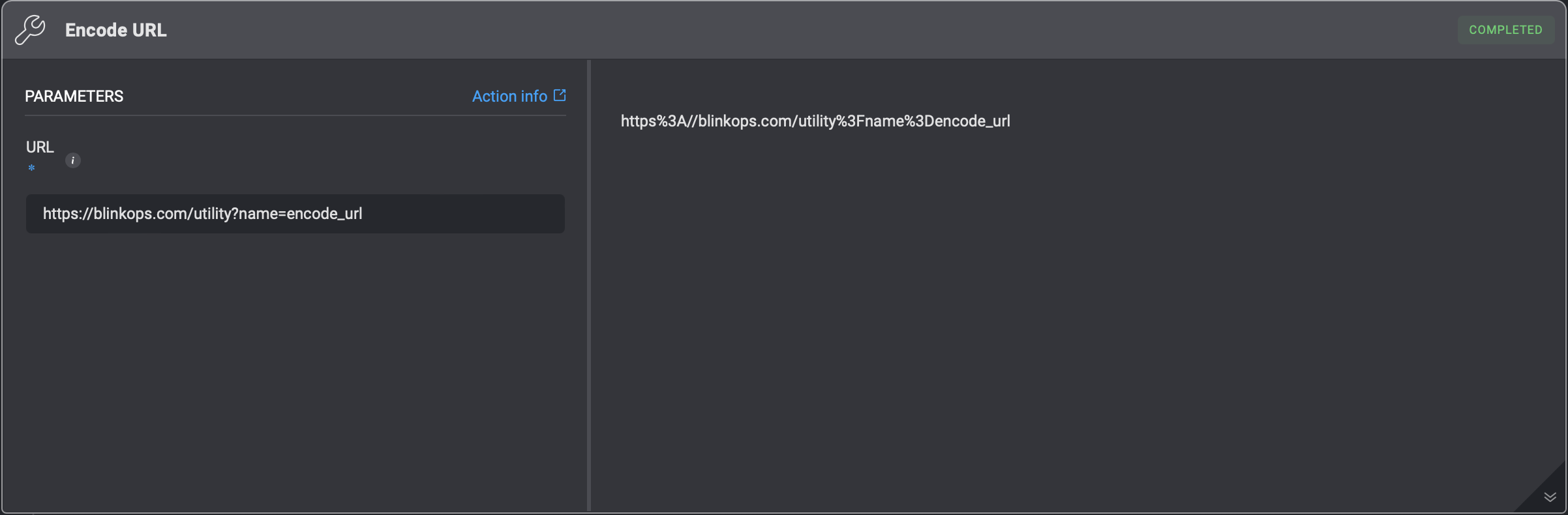
Converts a given url string into url encoded format.
For example:
For the string: https://blinkops.com/utility?name=encode_url, the returned encoded URL will be: https%3A//blinkops.com/utility%3Fname%3Dencode_url.
| Parameter | Description |
|---|
| URL | The URL that needs to be converted into URL-encoded format. |
Decode URL
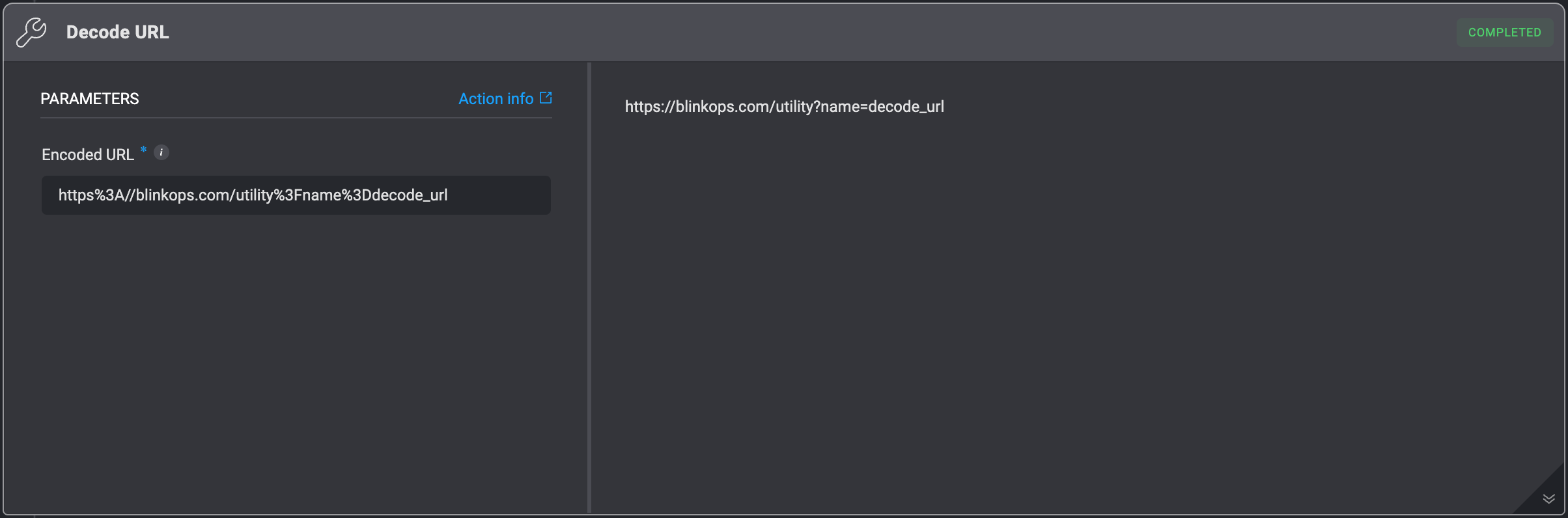
Converts a given URL encoded string into a string.
For example:
For the encoded string:https%3A//blinkops.com/utility%3Fname%3Ddecode_url, the returned string will be: https://blinkops.com/utility?name=decode_url.
| Parameter | Description |
|---|
| Encoded URL | The encoded URL that needs to be converted into a string. |
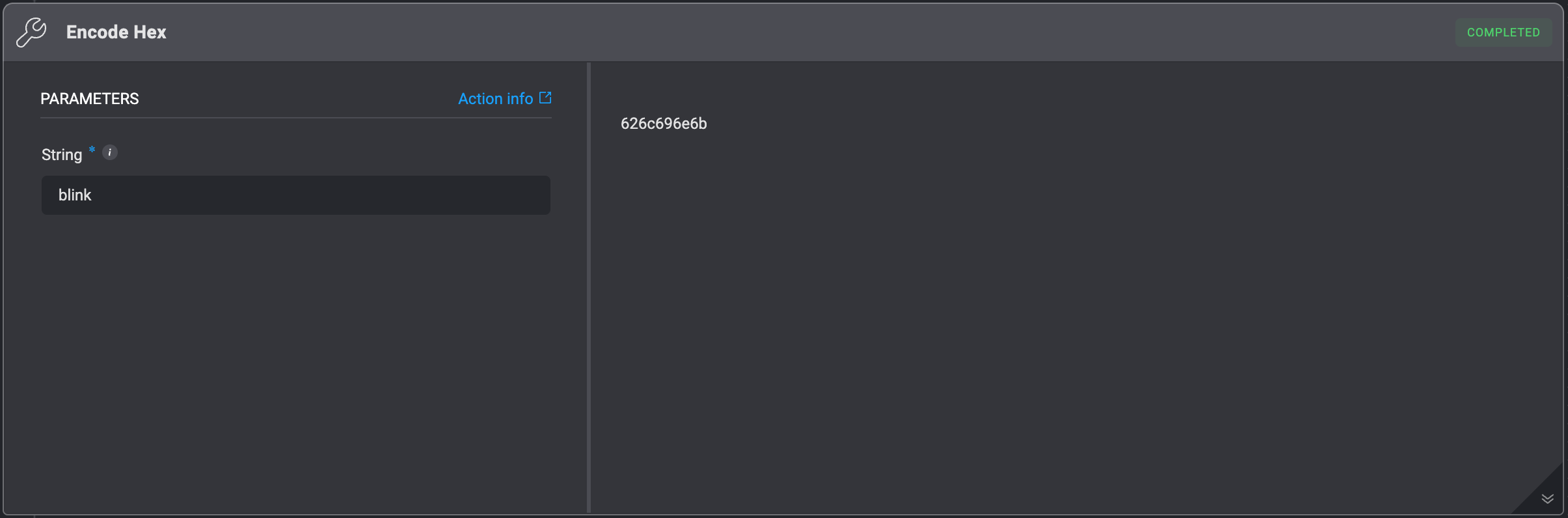
Encode Hex
Converts a regular string to its hex representation, encoding each character of the string into hexadecimal format.
For example:
For input string: blink, the returned hexadecimal string will be: 626c696e6b.
| Parameter | Description |
|---|
| String | The string that will be encoded. First, it encodes the string to bytes (using UTF-8) and then the bytes to hex. |
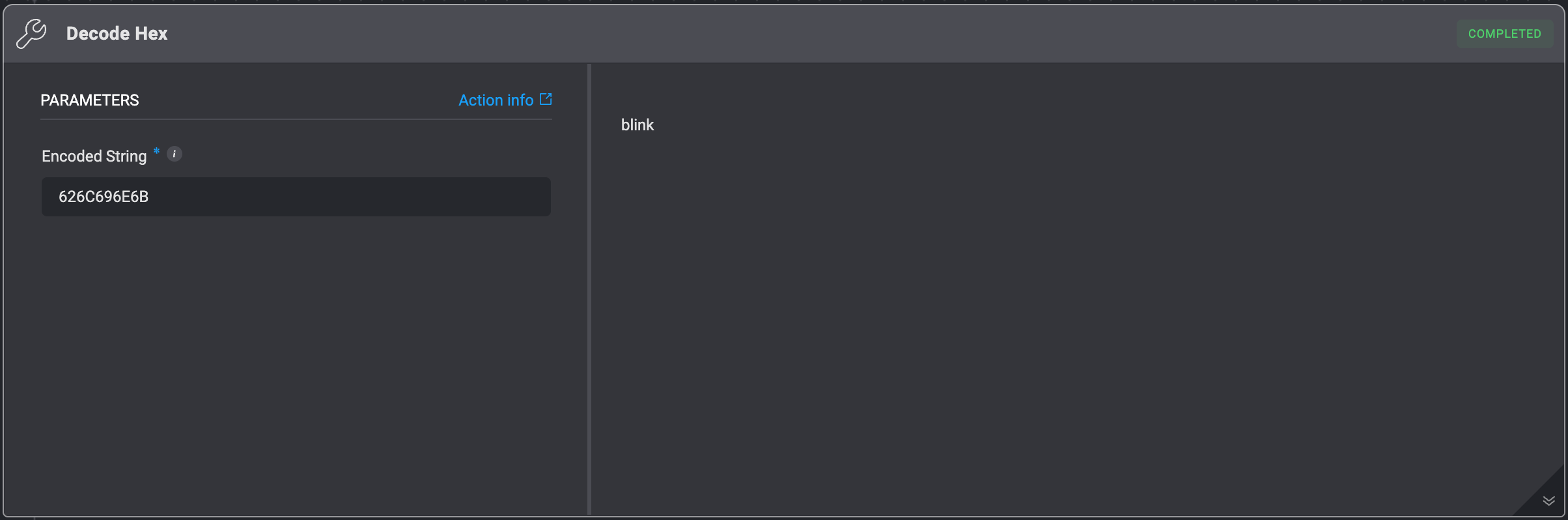
Decode Hex
Converts an hex-encoded string to a string.
For example:
For the hexadecimal encoded string: 626C696E6B, the returned string will be: blink.
| Parameter | Description |
|---|
| Encoded String | The string that needs to be decoded. Bytes are decoded using UTF-8. |
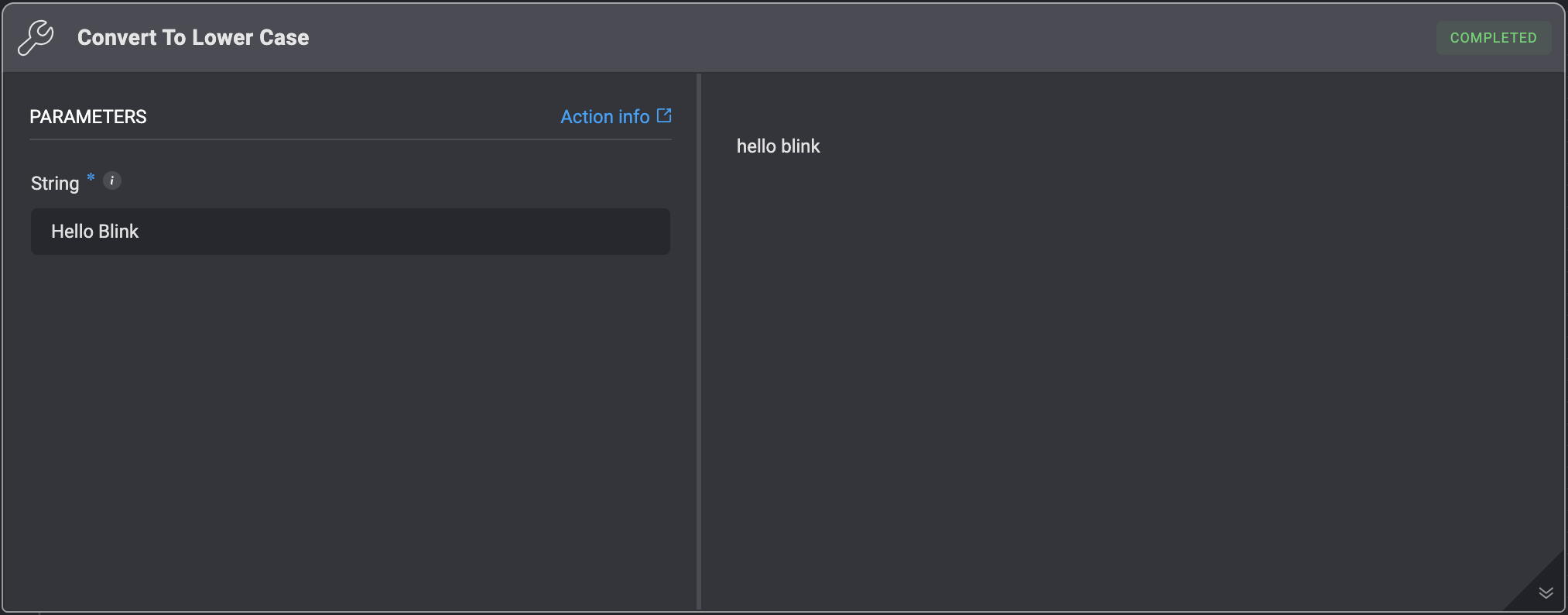
Convert To Lower Case
Converts a string to lower case.
| Parameter | Description |
|---|
| String | The string which will be converted to lower case. For example: For the string - Hello World, the returned string will be: hello world |
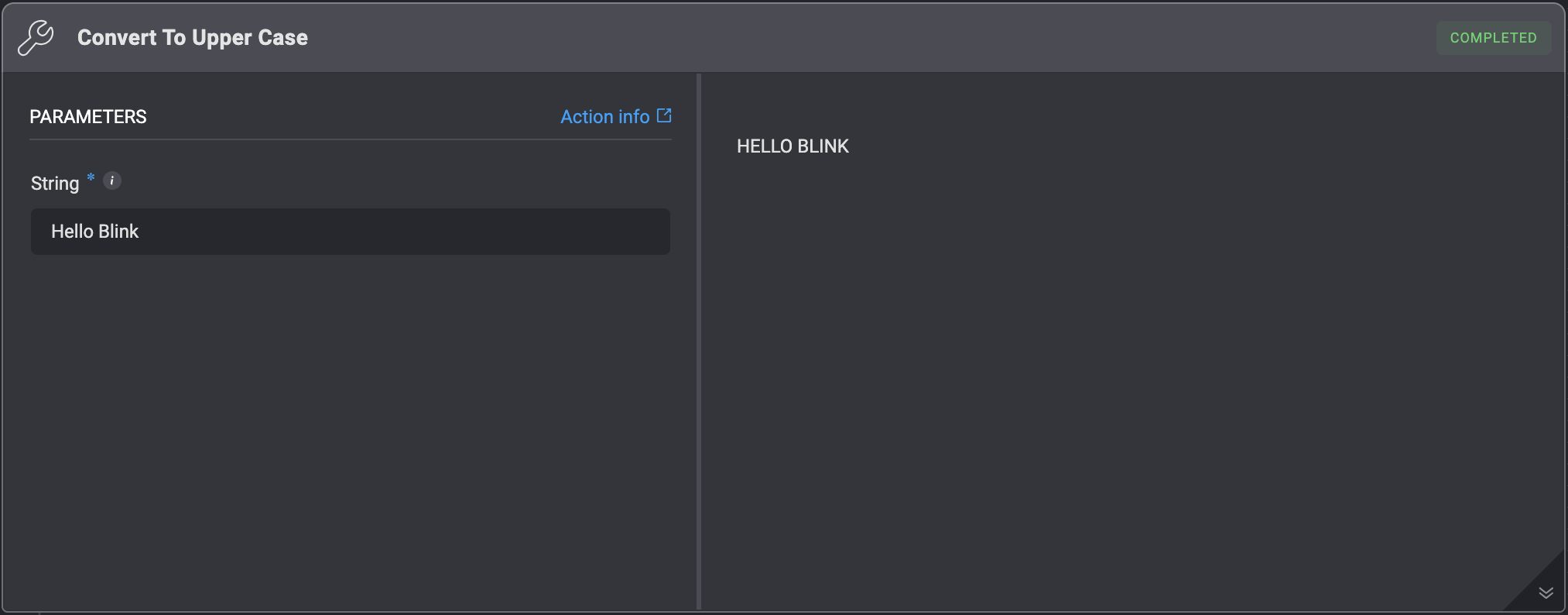
Convert To Upper Case
Converts a string to upper case.
| Parameter | Description |
|---|
| String | The string which will be converted to upper case. For example: For the string - Hello World, the returned string will be: HELLO WORLD |
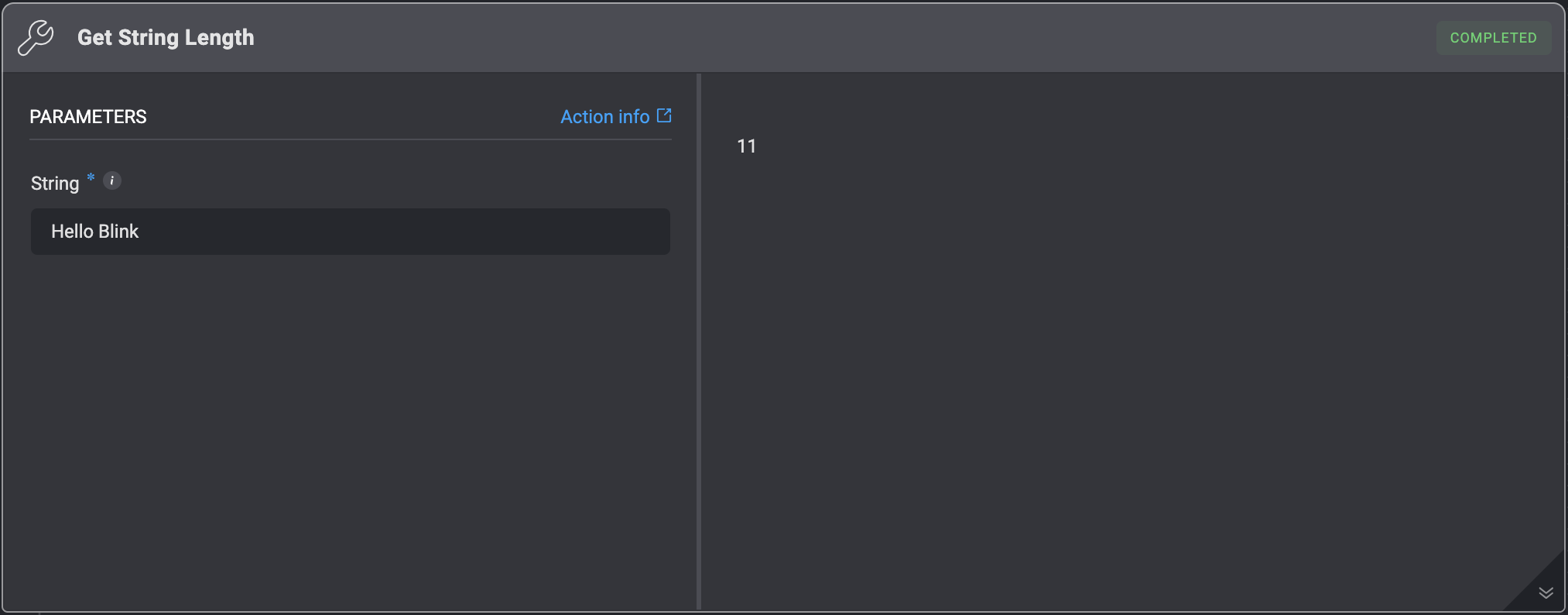
Get String Length
Get length of a string.
| Parameter | Description |
|---|
| String | The string whose length will be returned. For example: For the string - Hello World, the returned value will be: 11 |
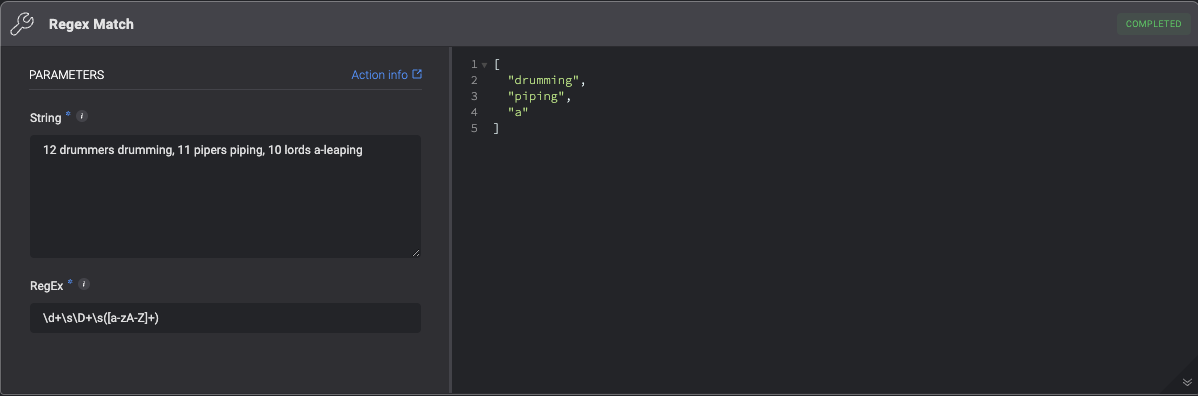
RegEx Match
Returns a list of RegEx matches in the order they are found when applied to a provided string. This action specifically utilizes Python’s RegEx flavor.
| Parameter | Description |
|---|
| String | The string for which regex matches are to be returned. |
| RegEx | The regular expression pattern used to search the string. Provide only the pattern you wish to match. If you are including group matching, please enclose the group within (?:) rather than ().
For example: For the string - test1, test2, test3 and the RegEx - test1, the returned list looks like the following: [“test1”] For the string - aabbaa and the RegEx - (?:aabb), the returned list looks like the following: [“aabb”] |
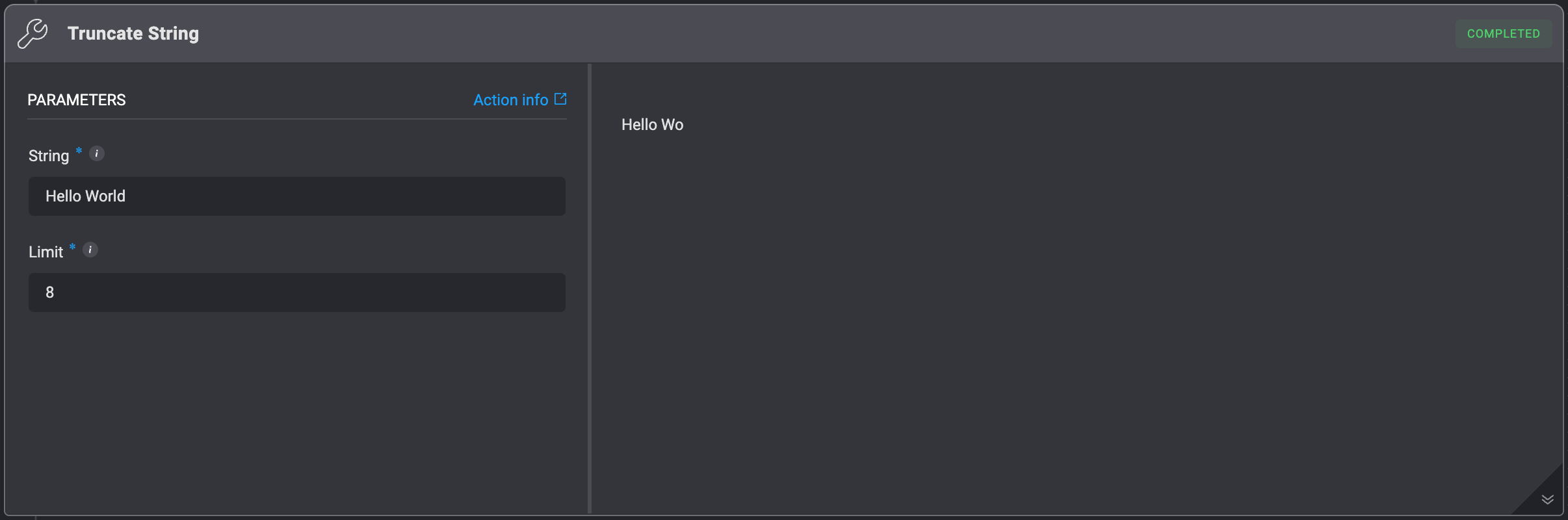
Truncate String
Shortens a given string to a limited amount of characters.
| Parameter | Description |
|---|
| String | The string that will be shortened. |
| Limit | The amount of characters the string will be limited to. For example: For the string - Hello World and the limit 8, the returned value will be: Hello Wo
Note: You can truncate the string from the end using a Negative Limit. For instance: the limit -2 will remove the last 2 characters. |
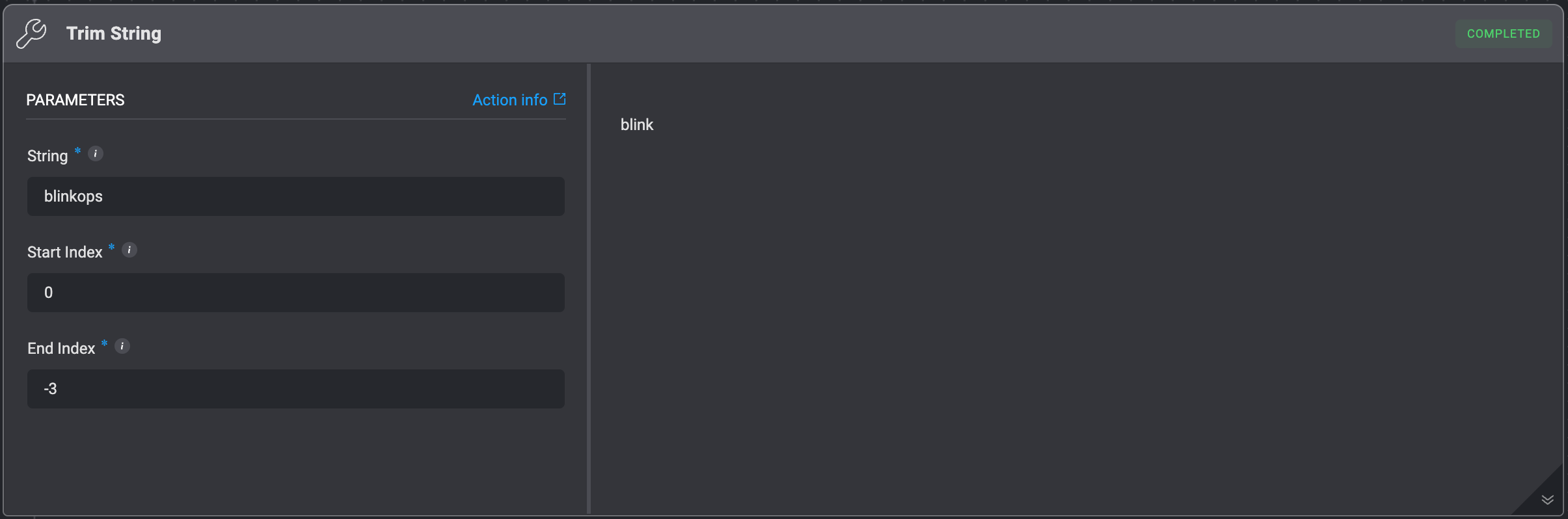
Trim String
Shortens a string from both sides, using Start and End indexes.
This action is based on Python’s array slicing and it allows you to use negative indexes (-) to calculate the index from the end.
For example:
For the string: blinkops and the input indexes 0 and -3, the output will be: blink. The same as if the End index was 5.
| Parameter | Description |
|---|
| String | The string that needs to be trimmed. |
| Start Index | The index of the first character you want to include in the slice. The string will be trimmed from this index (inclusive). Note: The first character’s index is 0. |
| End Index | The index of the first character you want to exclude from the slice. The string will be trimmed to this index (exclusive). Note: The last character’s index is -1 or the length of the string. |
Trim Spaces
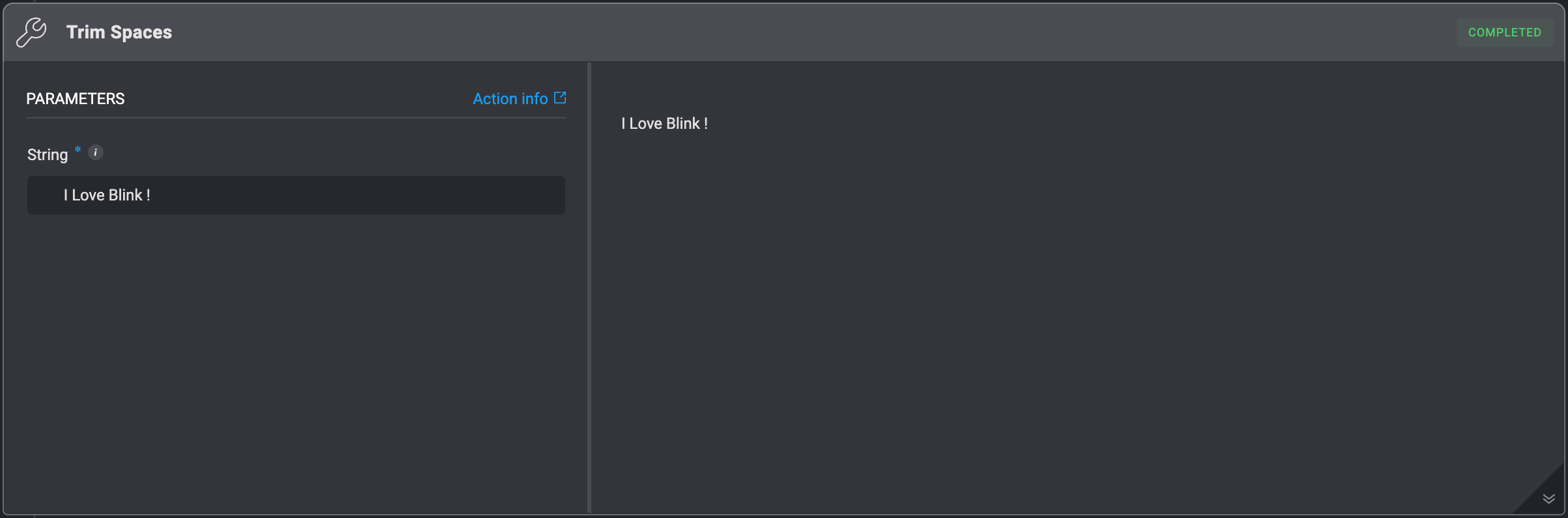
Removes all leading and trailing whitespaces from a given string.
| Parameter | Description |
|---|
| String | The string that needs to be trimmed. |
Find String
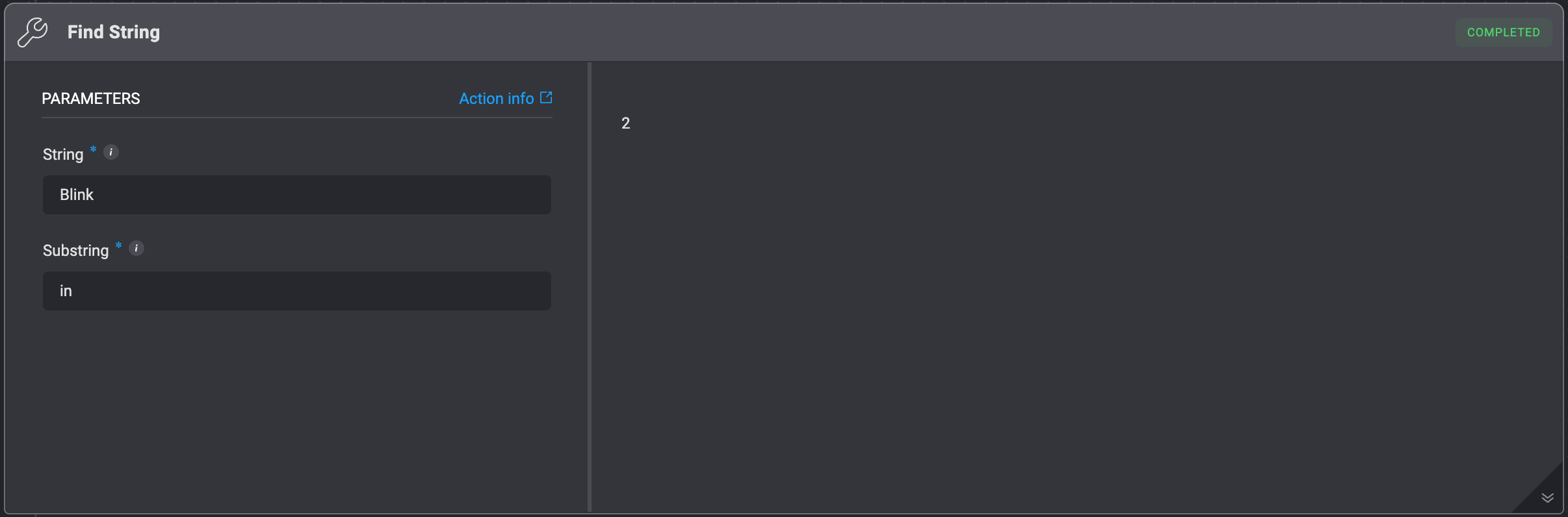
Returns the index of the first occurrence of a substring within the given string. The action returns -1 if the value is not found.
| Parameter | Description |
|---|
| String | The original string where the Value will be searched. |
| Substring | The substring to be find within the original String. |
Replace String
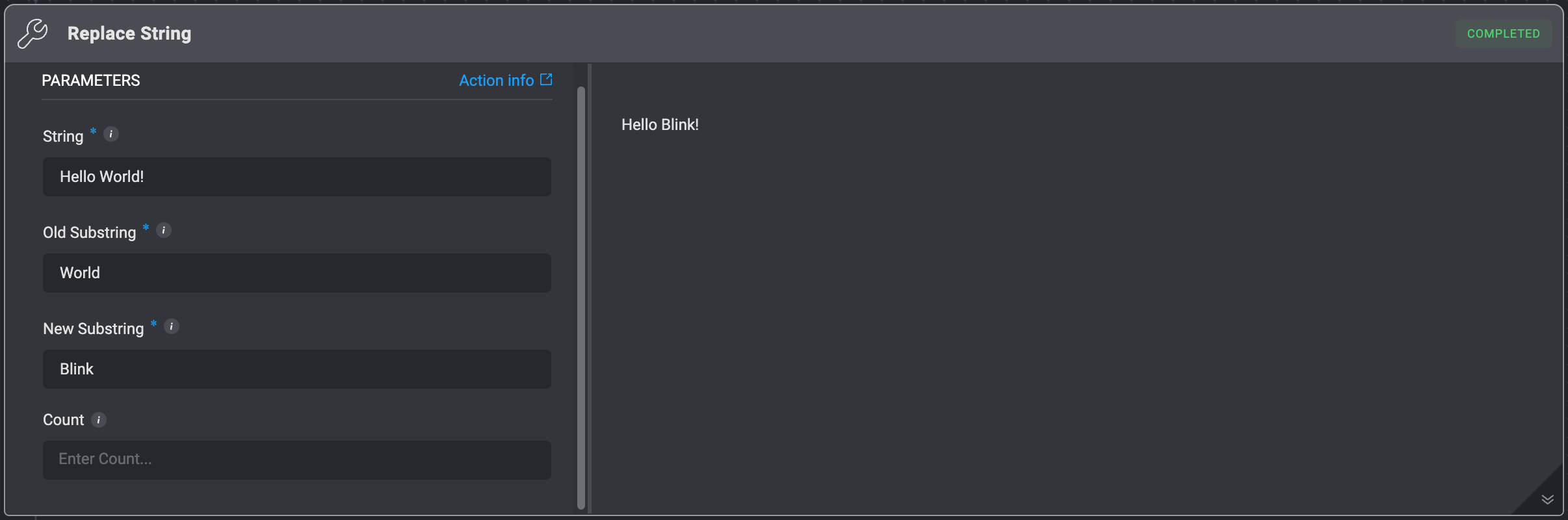
Replaces a given substring with another string.
| Parameter | Description |
|---|
| String | The original string where replacements will be made. |
| Old Substring | The substring to be find within the original String parameter. |
| New Substring | The replacement substring. |
| Count | The maximum number of replacements to perform. If empty, replaces all occurrences. |
Split String
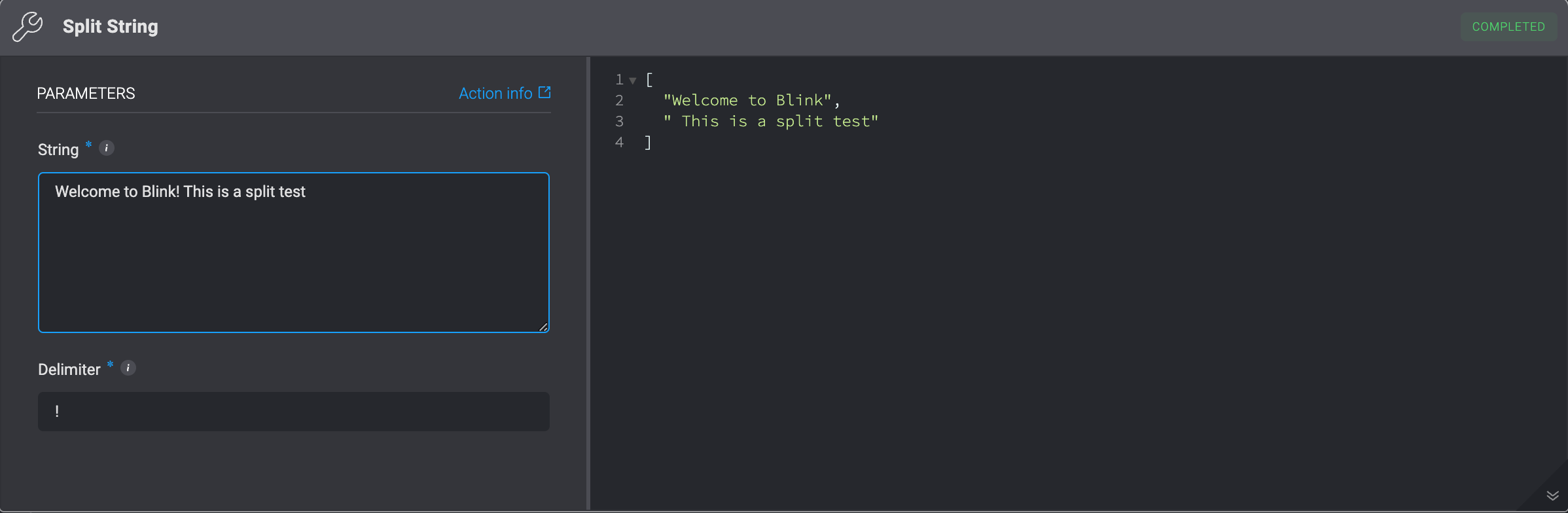
Splits a given string according to the specified delimiter and returns a list of substrings.
| Parameter | Description |
|---|
| String | The string that needs to be split. |
| Delimiter | The delimiter based on which the string will be split. For example: For the string - Hello there, this is Blink's example! and the delimiter - ,, the returned list looks like the following: ["Hello there", " this is Blink's example!"] |
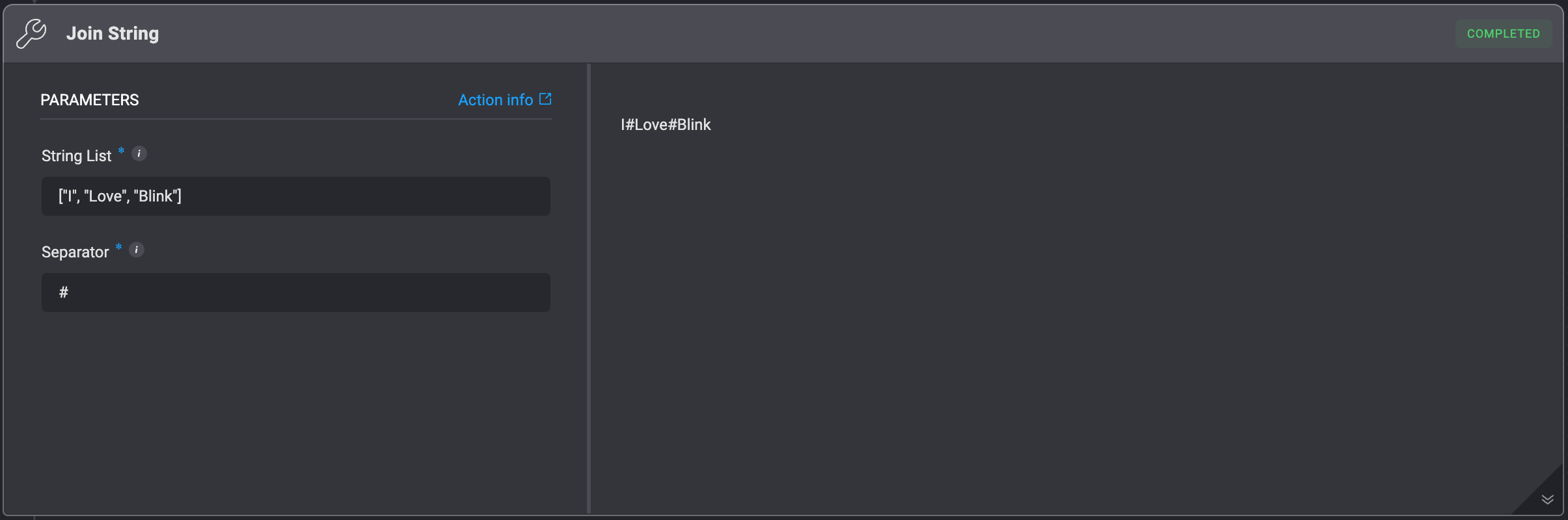
Join String
Concatenate any number of strings into a single string using an optional separator. Equivalent to Python’s join() method.
| Parameter | Description |
|---|
| String List | The list of strings that needs to be concatenated. Also, it could be a single string like "blink". In this case, each character will act as a ‘substring’. For example: The input string - "blink" (with quotes) will act the same as the following input: ["b", "l", "i", "n", "k"] |
| Separator | The string that will be inserted in between each one of the ‘Strings’. For example: For the string list - ["I", "Love", "Blink"] and the separator - #, the returned string will be: I#Love#Blink |
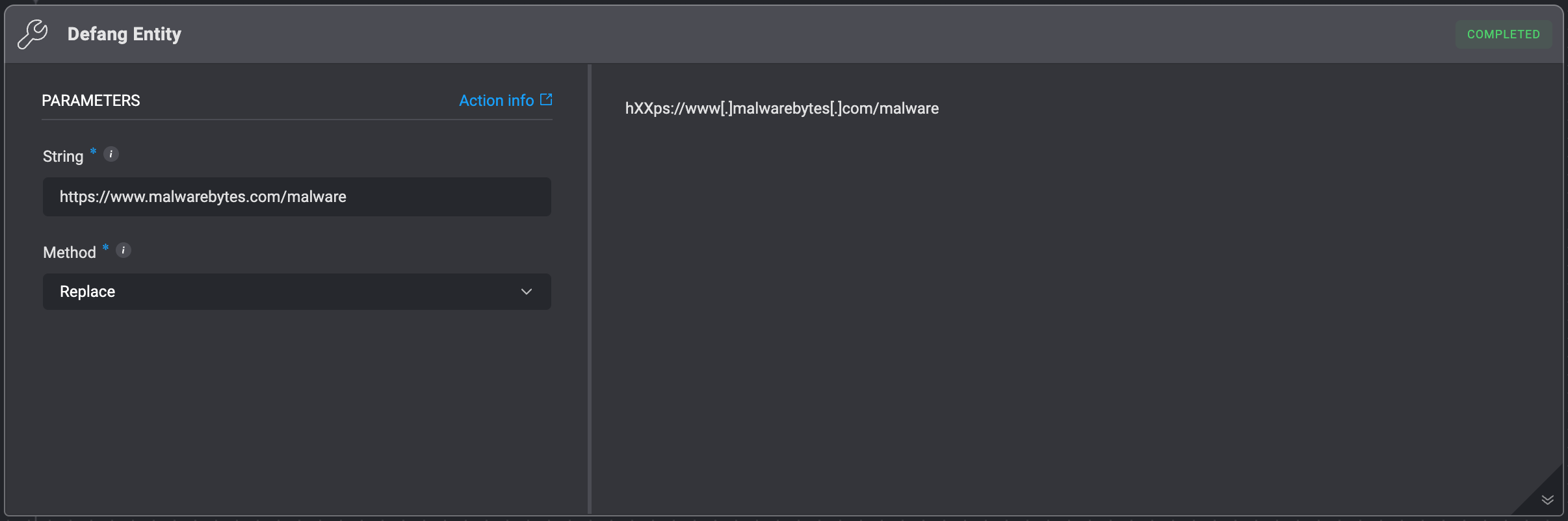
Defang Entity
Alters potentially malicious content within a string entity (like a URL, email address, or domain) to make it appear harmless.
For example:
For the string: https://www.malwarebytes.com/malware, and the method Replace, the returned string will be: hXXps://www[.]malwarebytes[.]com/malware .
| Parameter | Description |
|---|
| String | The string entity that needs to be defanged. |
| Method | The “defanging” method. The supported methods are: - Replace - This method replaces sensitive parts (protocol prefixes in URLs,
@ in emails, and . in domains) with placeholders like hXXp:// and [at]. - Brackets - This method adds square brackets around the suspicious elements to visually indicate potential risk without altering the core content.
|
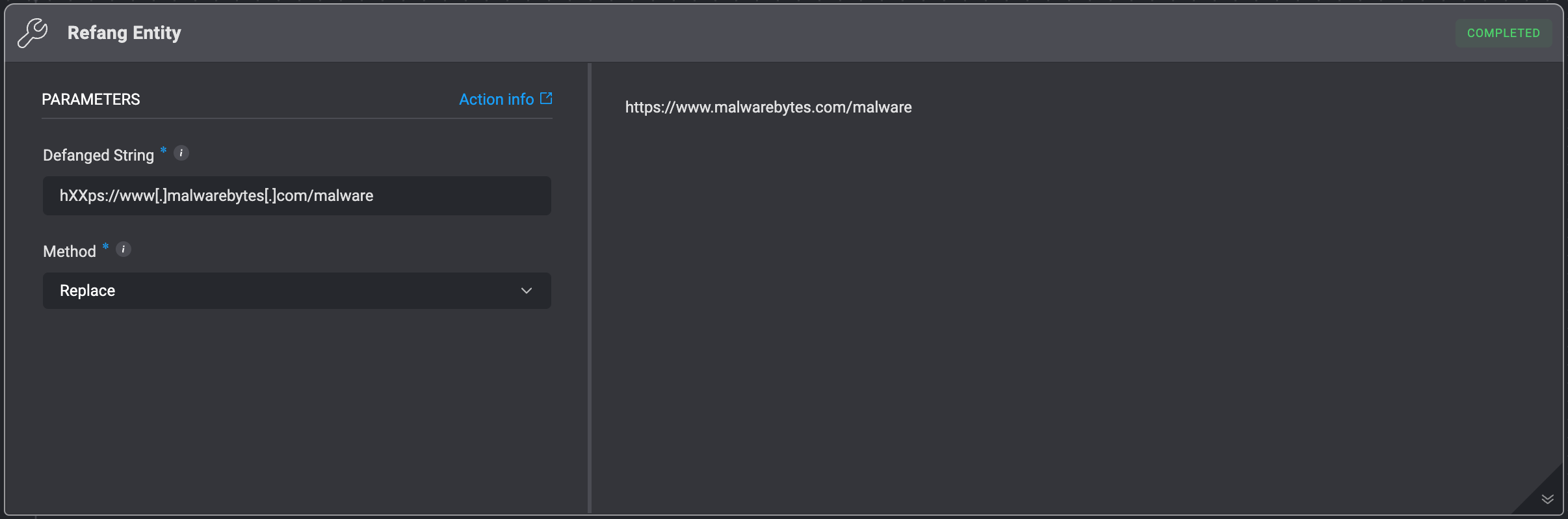
Refang Entity
Reverts a defanged entity back to its original form.
For example:
For the string: hXXps://www[.]malwarebytes[.]com/malware, and the method Replace, the returned string will be: https://www.malwarebytes.com/malware.
| Parameter | Description |
|---|
| Defanged String | The string entity that needs to be reverted to its previous form. |
| Method | The “defanging” method used originally. The supported methods are: - Replace - This method replaces sensitive parts (protocol prefixes in URLs,
@ in emails, and . in domains) with placeholders like hXXp:// and [at]. - Brackets - This method adds square brackets around the suspicious elements to visually indicate potential risk without altering the core content.
|