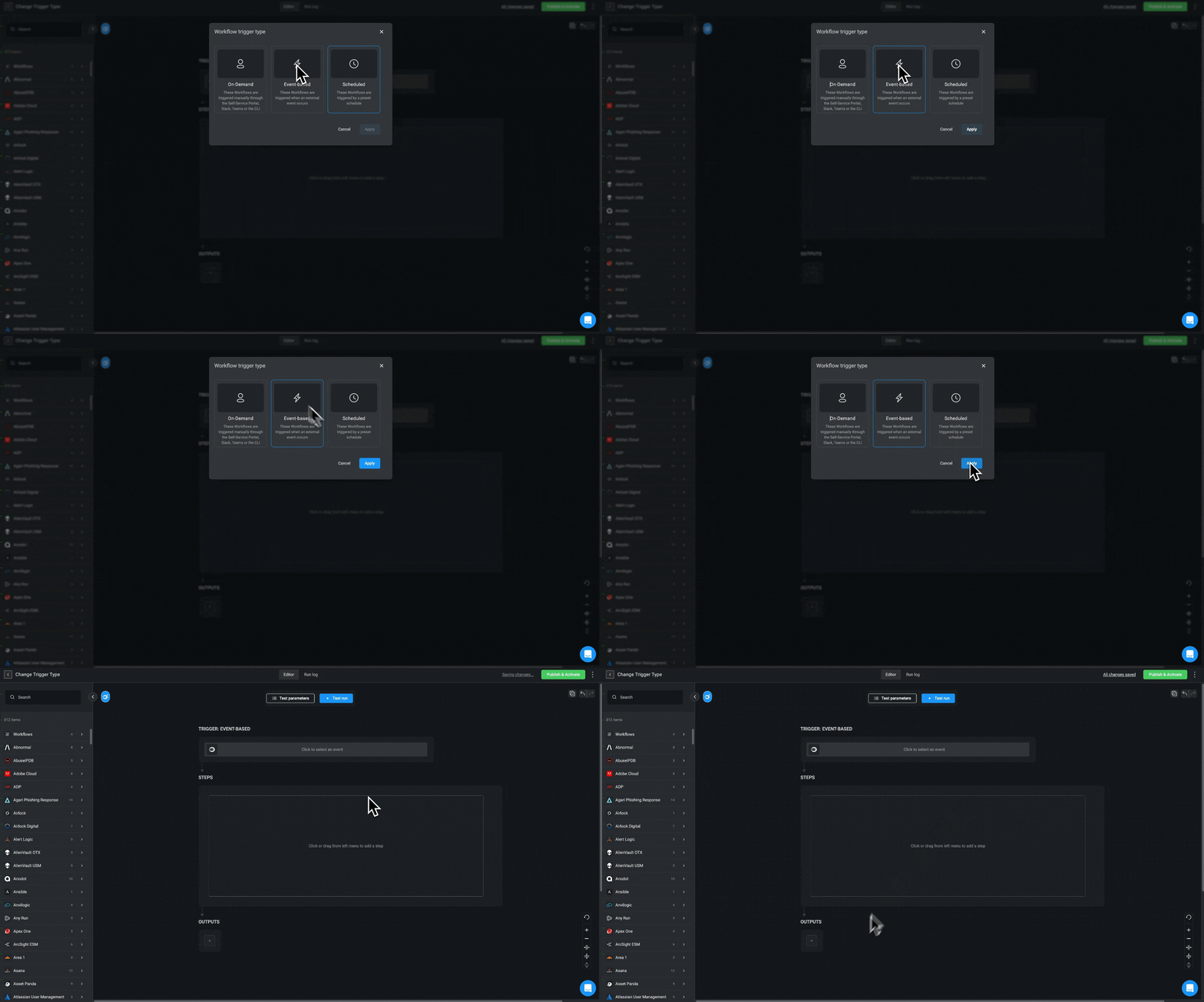
Trigger Types
A Workflow runs when it is prompted by one of the following Triggers:On-Demand:
These Workflows are triggered manually through the Self-Service Portal, Slack, Teams or the CLI.
Event-Based:
These Workflows are triggered when an external event occurs.
Scheduled:
These Workflows are triggered by a preset schedule.
Changing the Workflow’s Trigger Type
In the Workflow editor, you can change the WorkflowTrigger type.
- Hover over the Workflow Trigger and click on the 3 dot menu > Change trigger type. The Workflow Trigger type window is displayed.
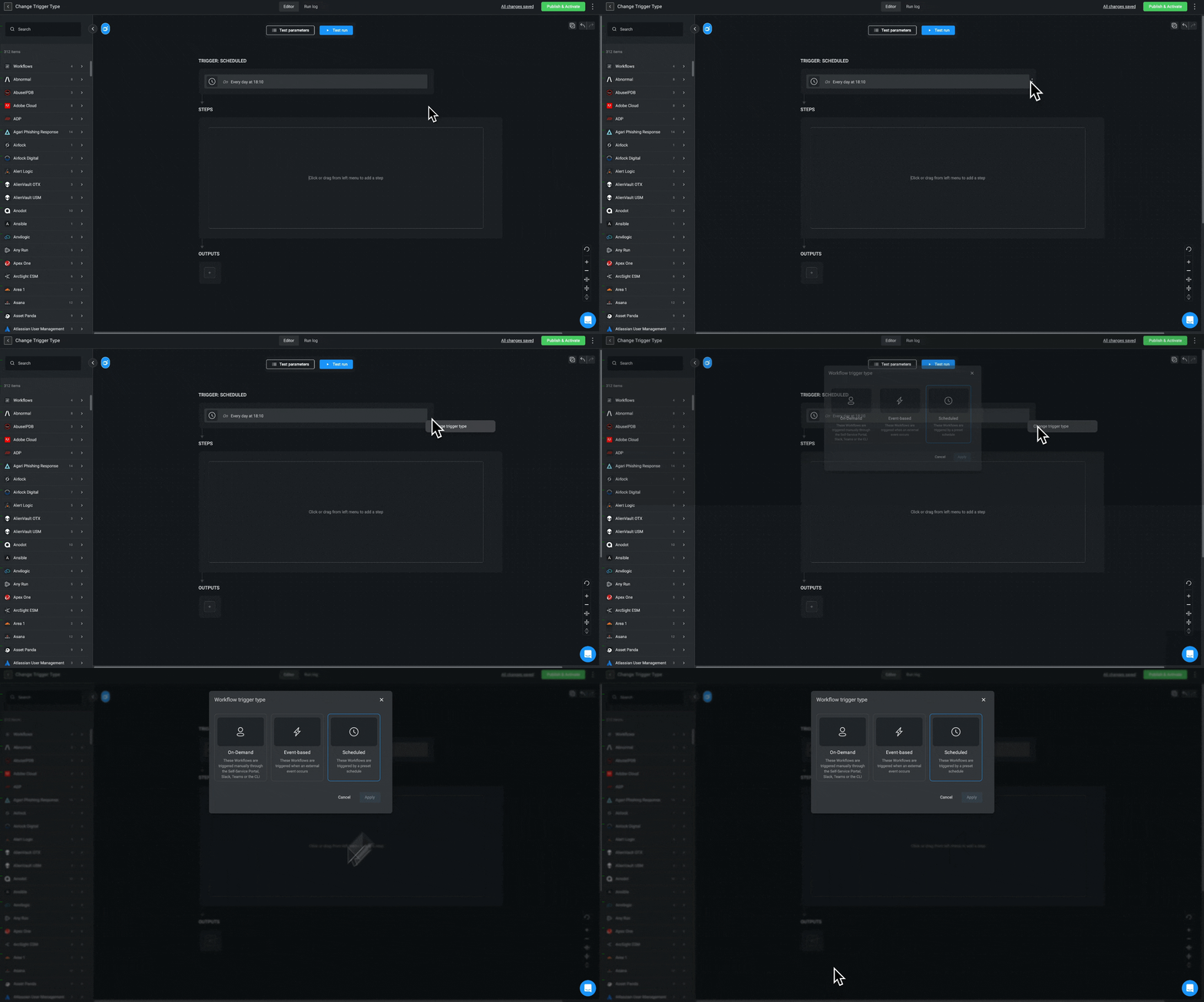
- Select which Workflow trigger you want, and click Apply. The trigger in the canvas has changed to your selected trigger type.
INFOWhen you change the Workflow Trigger type, the previous Triggers are erased. If you decide to switch back, whatever setting you had for previous
Triggers, will not be saved. However, you can revert changes using the Undo button in the editor.