Creating a Scheduled Workflow
A Workflow with aScheduled Trigger are scheduled to run at a certain time on a regular basis (hourly,daily, weekly, or monthly), or set custom intervals using Cron Expressions enabling maximum flexibility for the user.
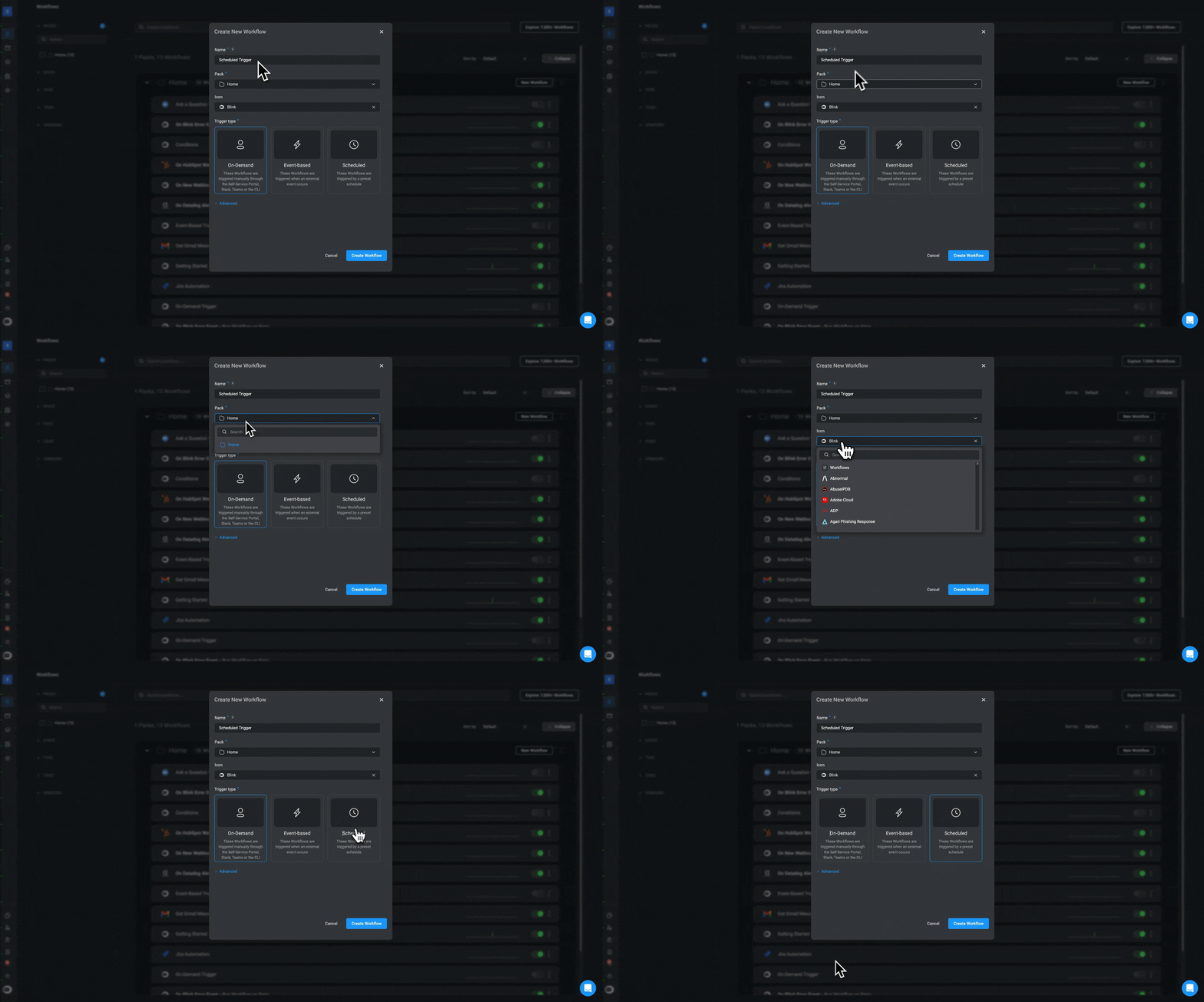
- When Creating a New Workflow, select the
Scheduledtrigger type.
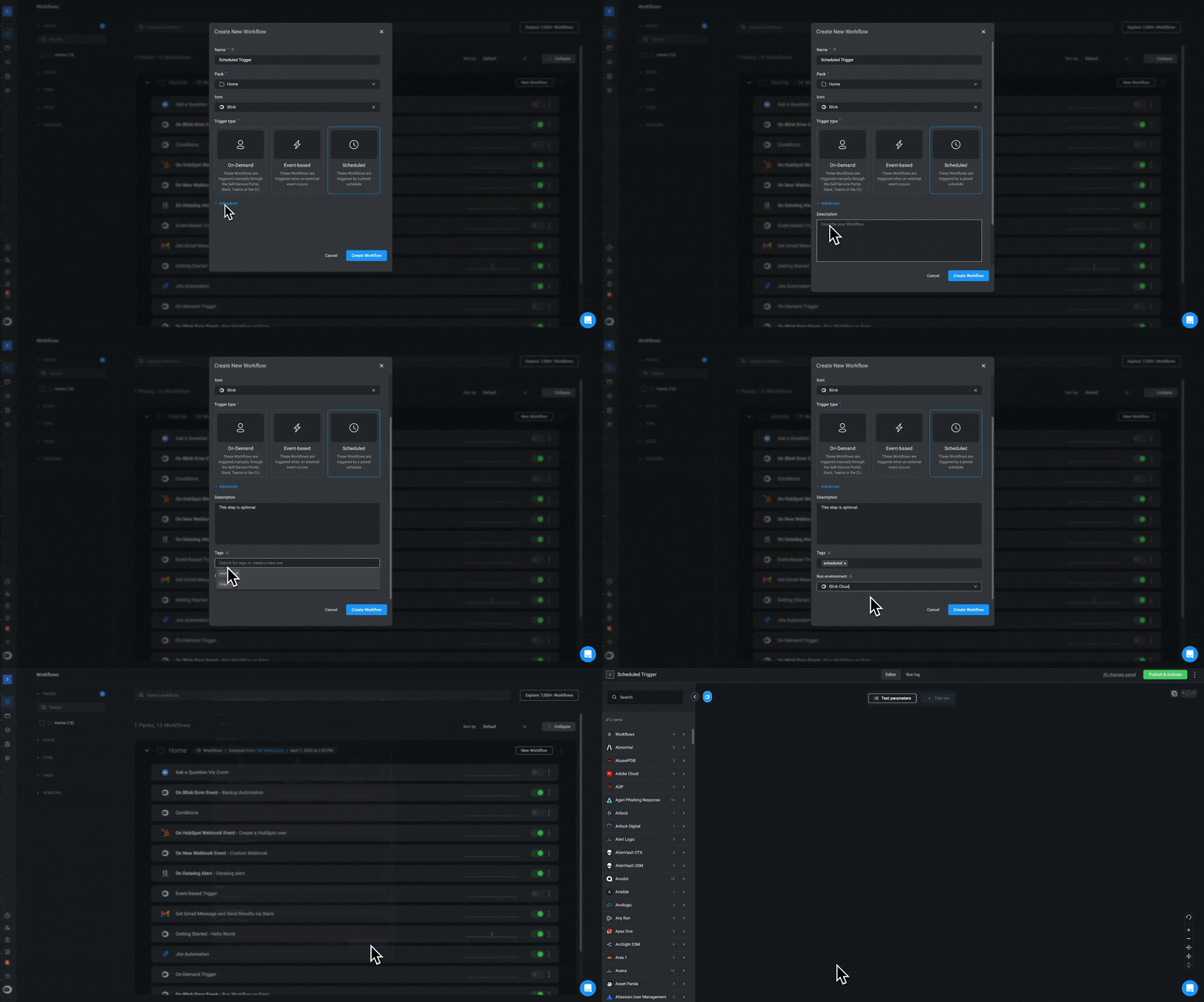
- Optional- Configure the advanced settings and proceed by clicking the “Create Workflow” button. The Workflow Editor page will open.
- Under the Trigger section, select Click to schedule a run. The trigger setup will open.
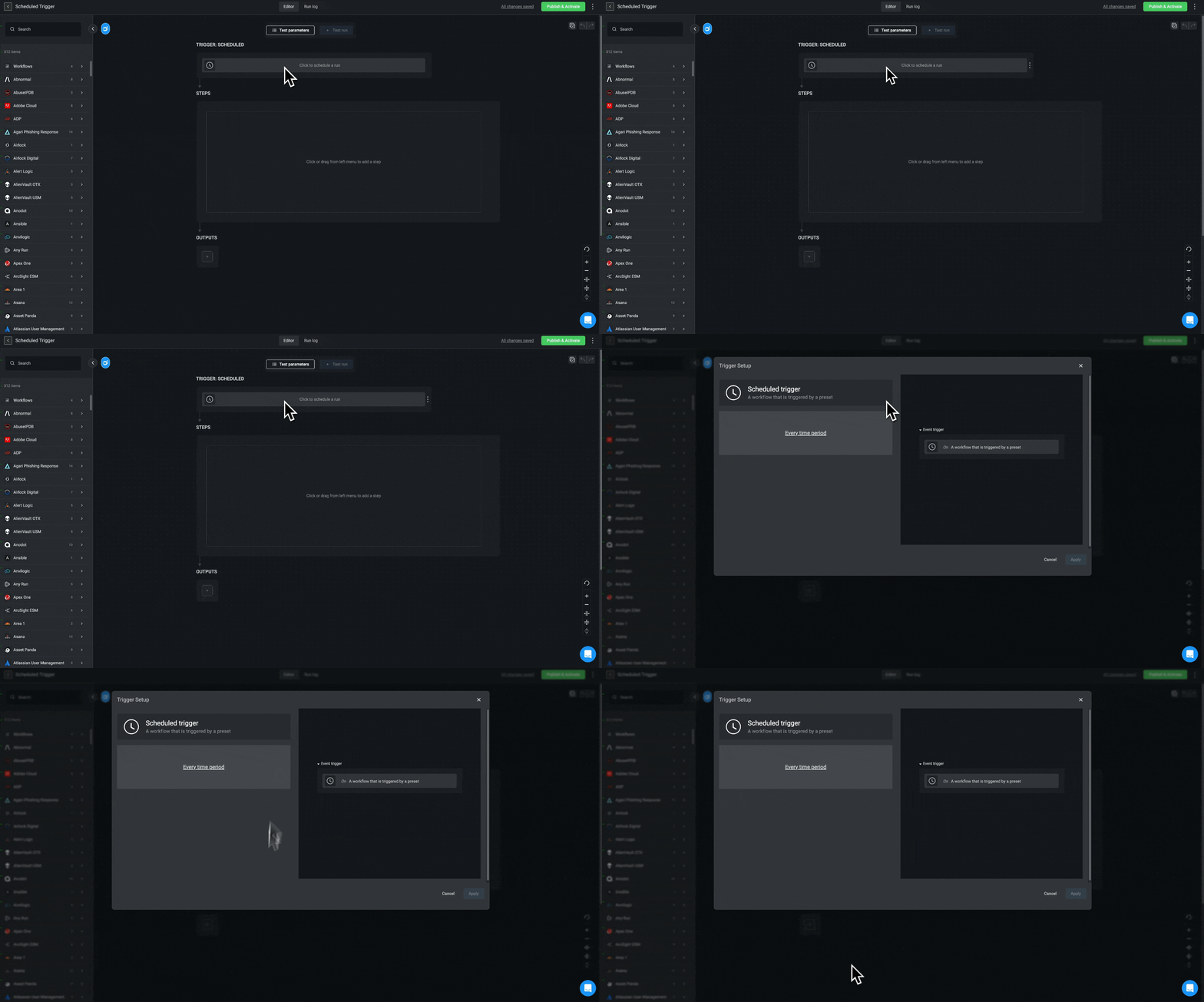
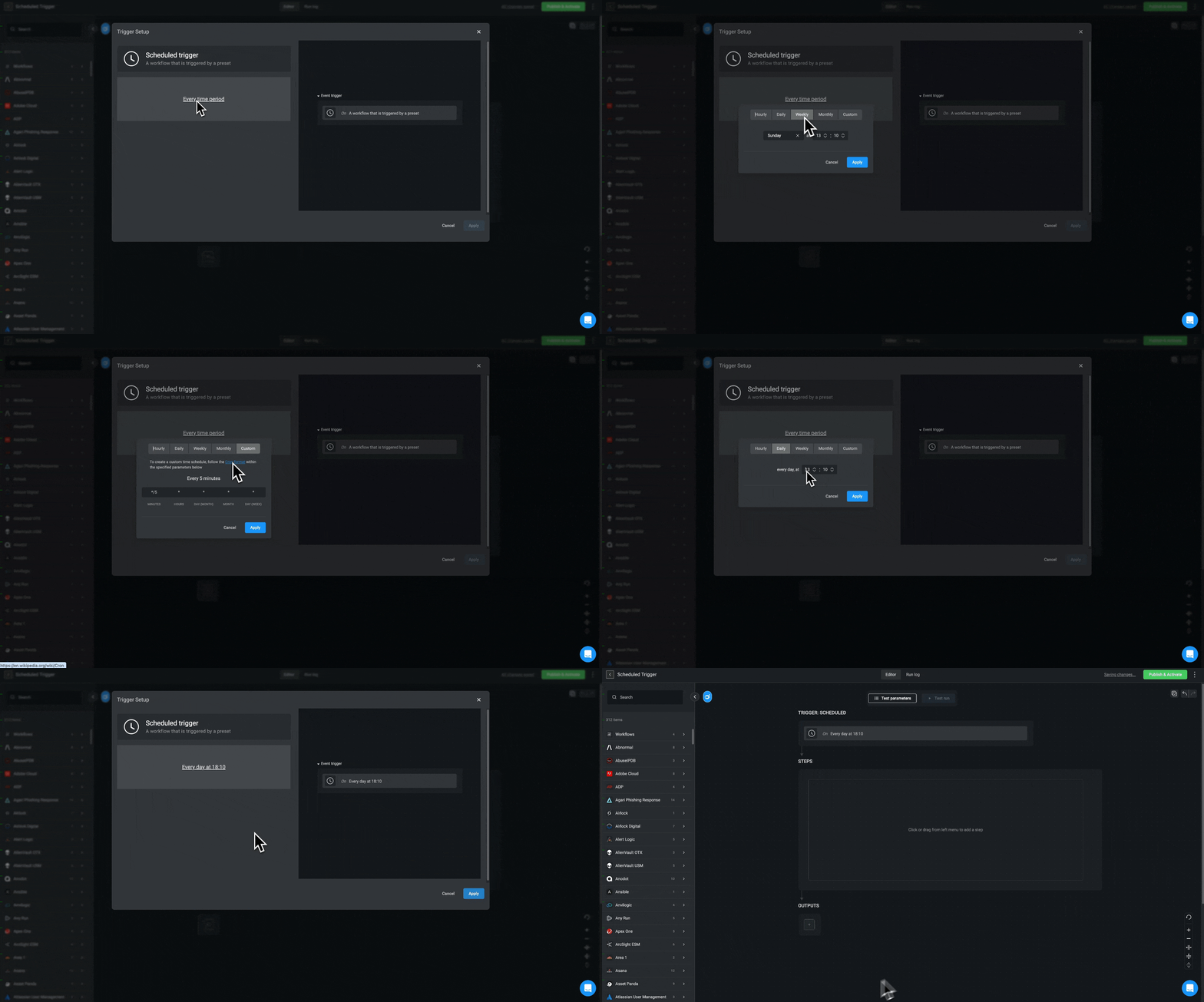
- Click Every time period define when and the frequency at which the Workflow will run. Either select a standard value (Hourly, Daily, Weekly, or Monthly), or select Custom to create custom scheduling. Use the
Cron Expression PickerwithCronsyntax as follows:
| Symbol | Description |
|---|---|
| * | any value |
| , | value list separator |
| - | range of values |
| / | step values |
INFOThe default value is
every 5 minutes. Once configured, a preview of your custom schedule is displayed (a human readable string describing the Cron expression).If an invalid expression is entered, it will be displayed in red font.- Click Apply. The selected interval is displayed in the trigger setup. The Cron expression can also be seen in the Automation YAML.