Creating an On-Demand Workflow
A Workflow with anOn-Demand Trigger run when its selected in the Self-service portal and the relevant parameters are entered. Not all Workflow require input parameters.
NoteThe file input parameter is not supported in triggered Subflows.
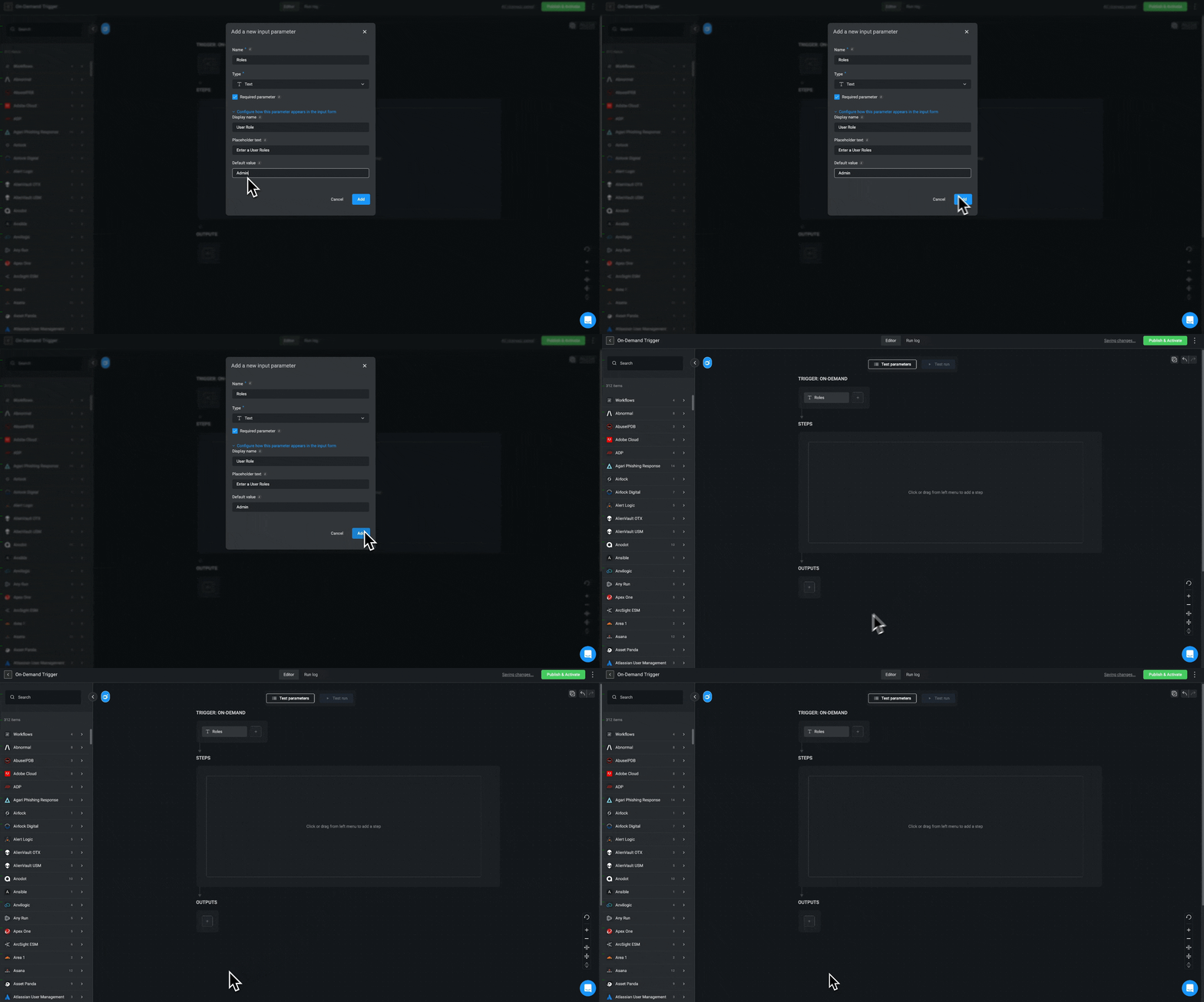
- When Creating a New Workflow, select the
On-Demandtrigger type.
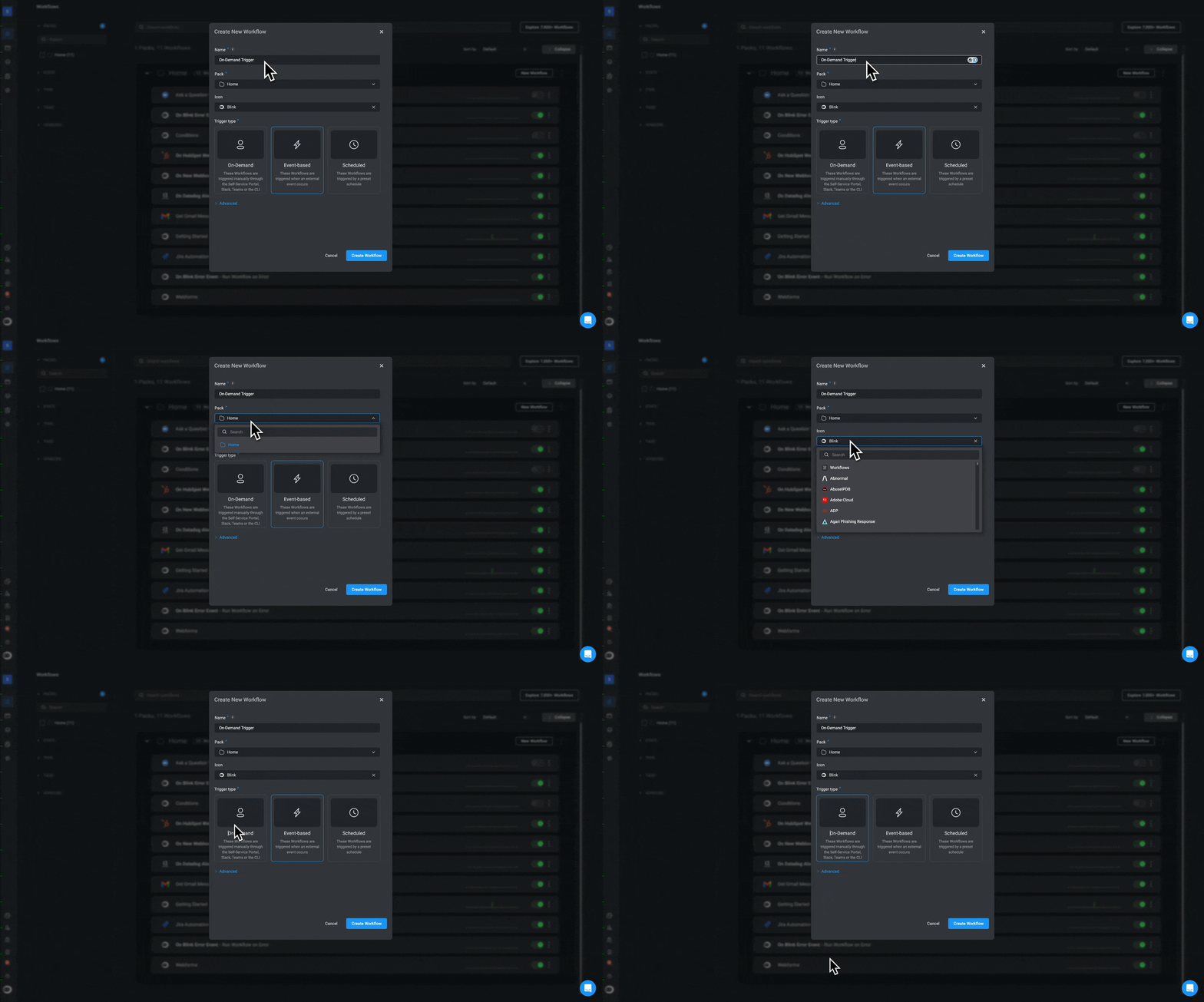
- Optional- Configure the advanced settings and proceed by clicking the “Create Workflow” button. The Workflow Editor page will open.
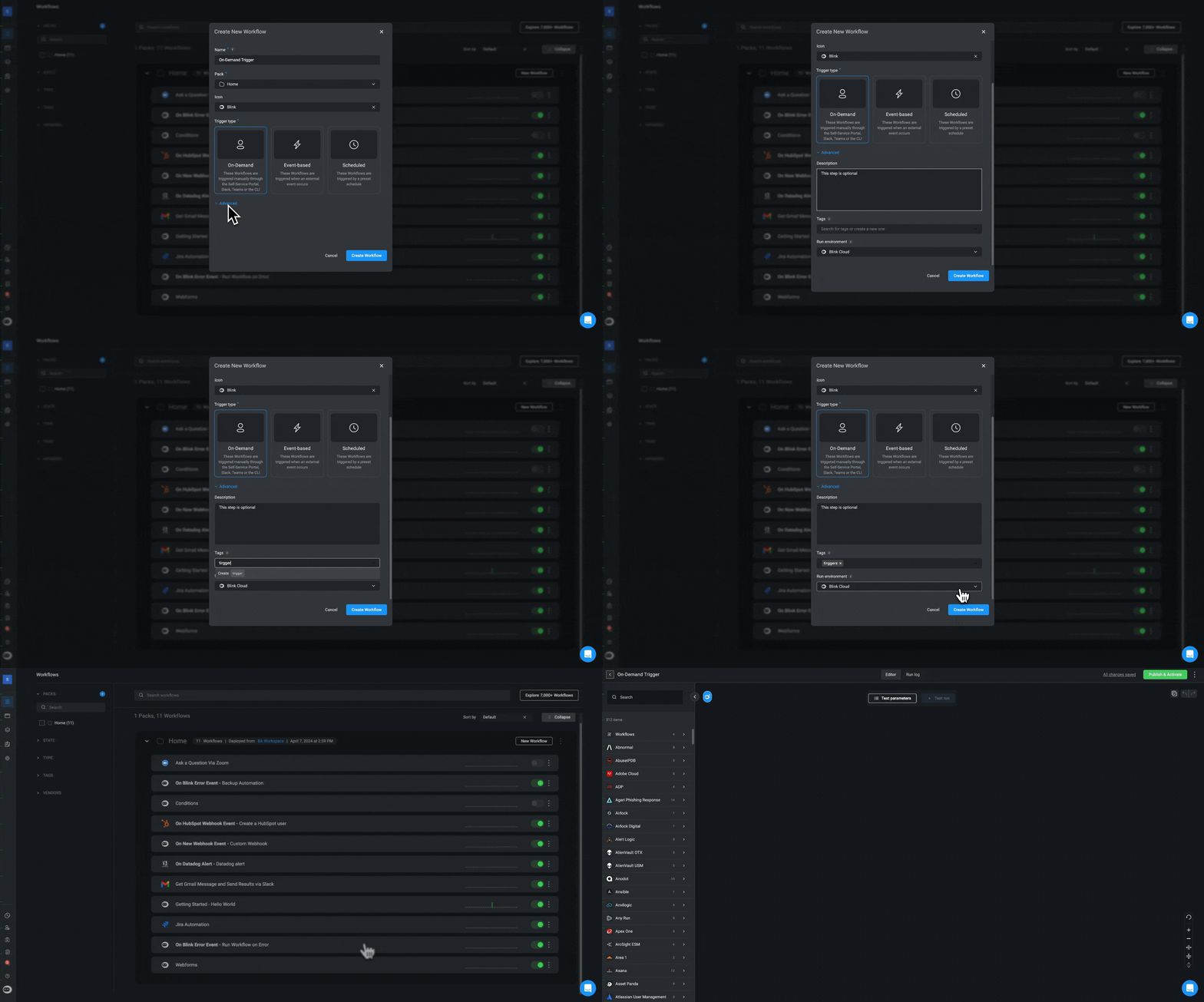
- In the Workflow Editor , under Trigger:On-Demand section, click the + icon.
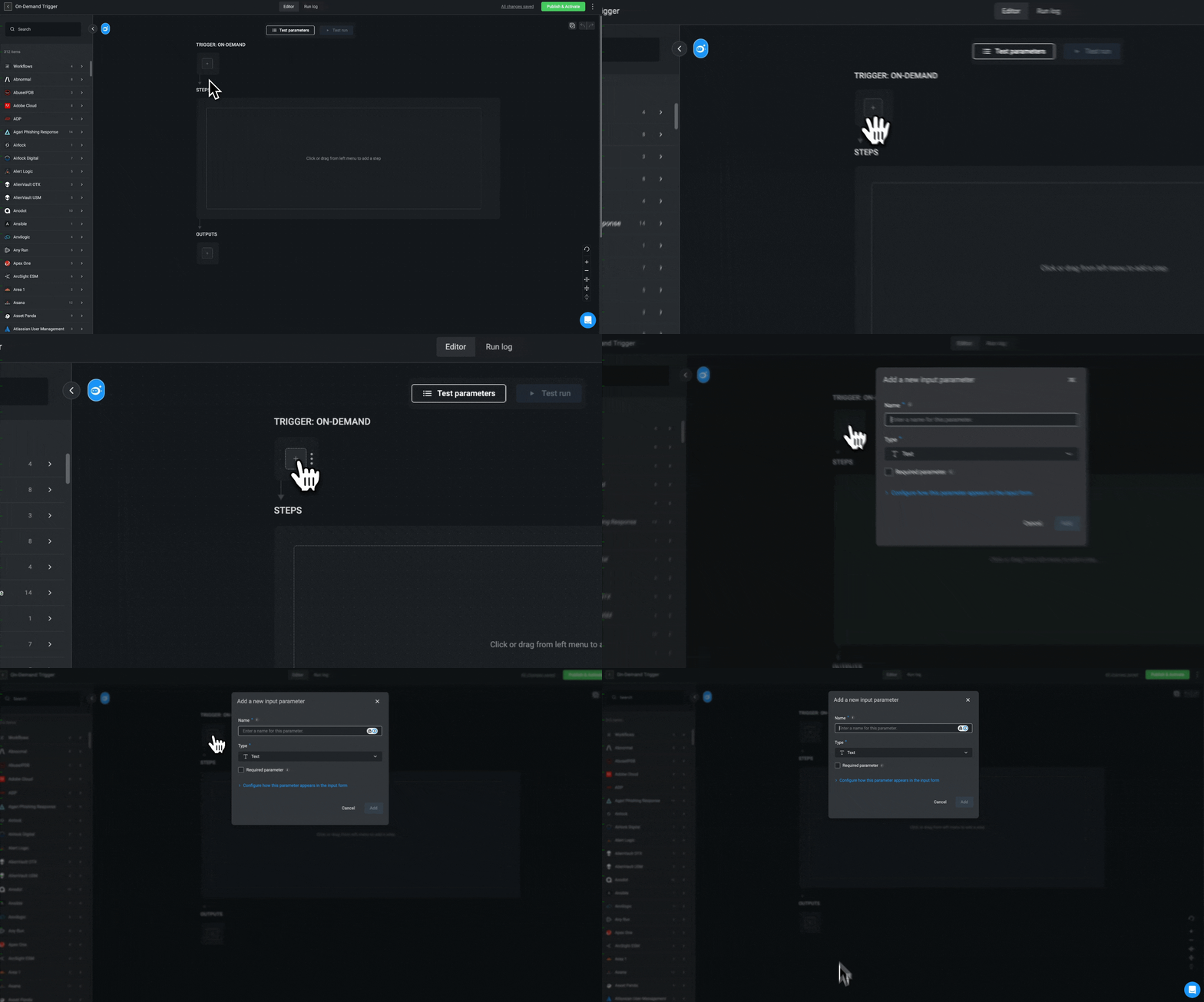
- Enter the requested input parameters.
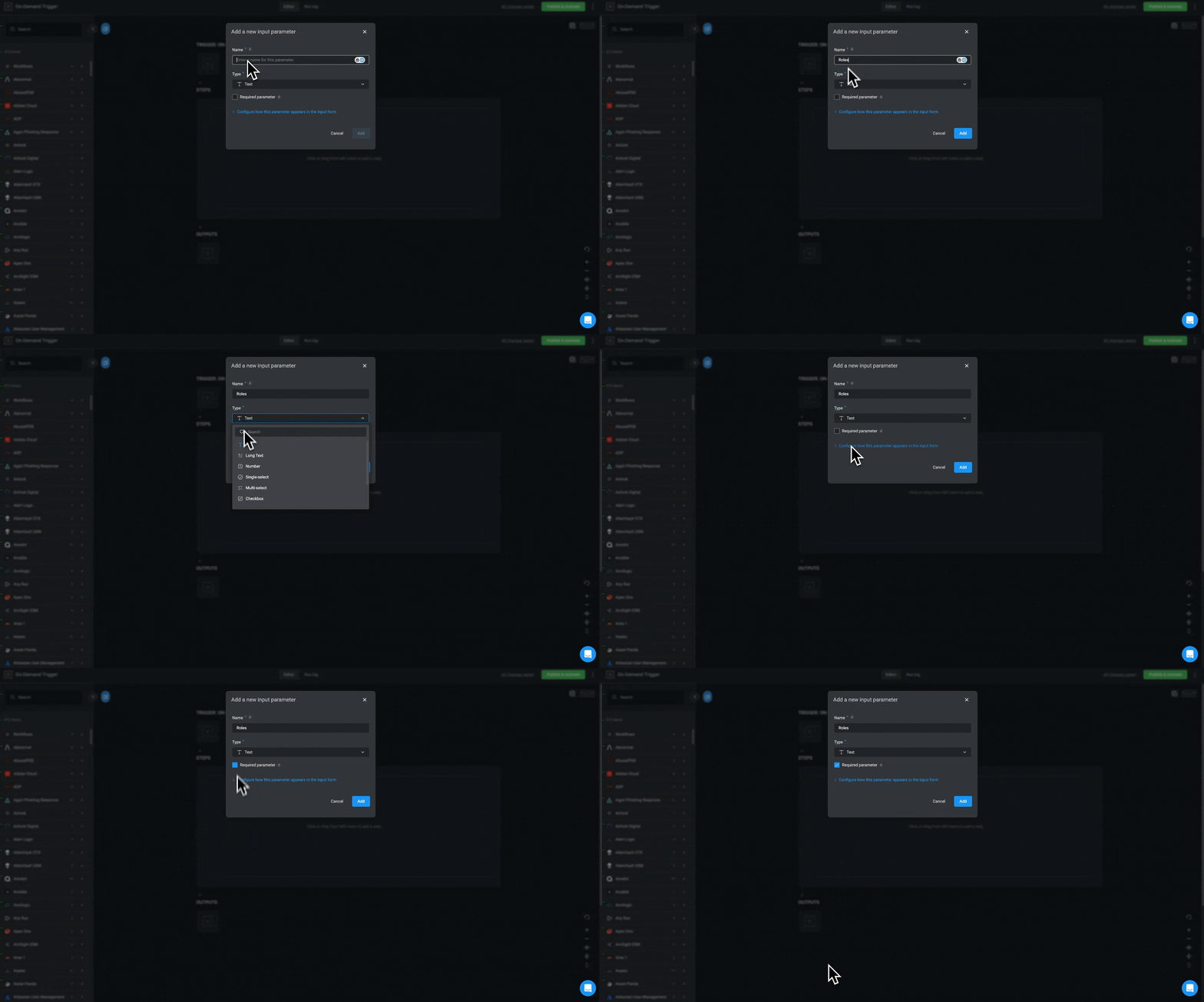
- Optional- Click Configure how this parameter appears in the input form. Proceed by entering a display name, placeholder and a default value.
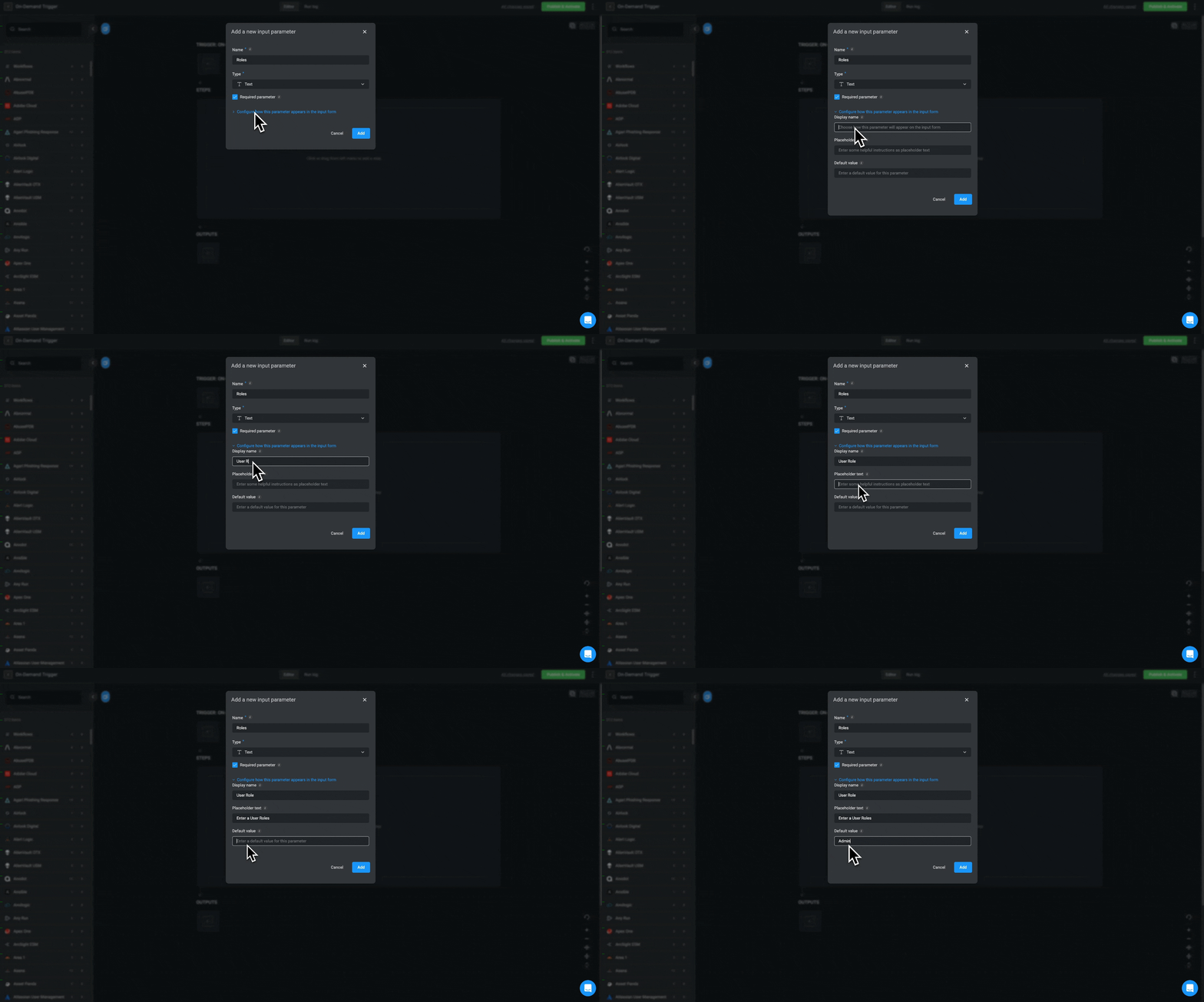
- Click the Add button.