Skip to main content
Blink Documentation home page
Search...
⌘K
Ask AI
Login
Get Started
Get Started
Search...
Navigation
Tasks
Editing a Task
Home
Getting Started
Workflows
Case Management
Blink Copilot
Platform
Integrations
Contact Us
Blog
Case Management
Overview
Blink's Automated Case Management
Case Management Dashboard
Case Management Workflow Actions
Cases
Observables
Alerts
Attachments
Tasks
Overview
Deleting a Task
Editing a Task
Custom Tables
Manage Tables
Case management settings
Case Management Permissions
Tasks
Editing a Task
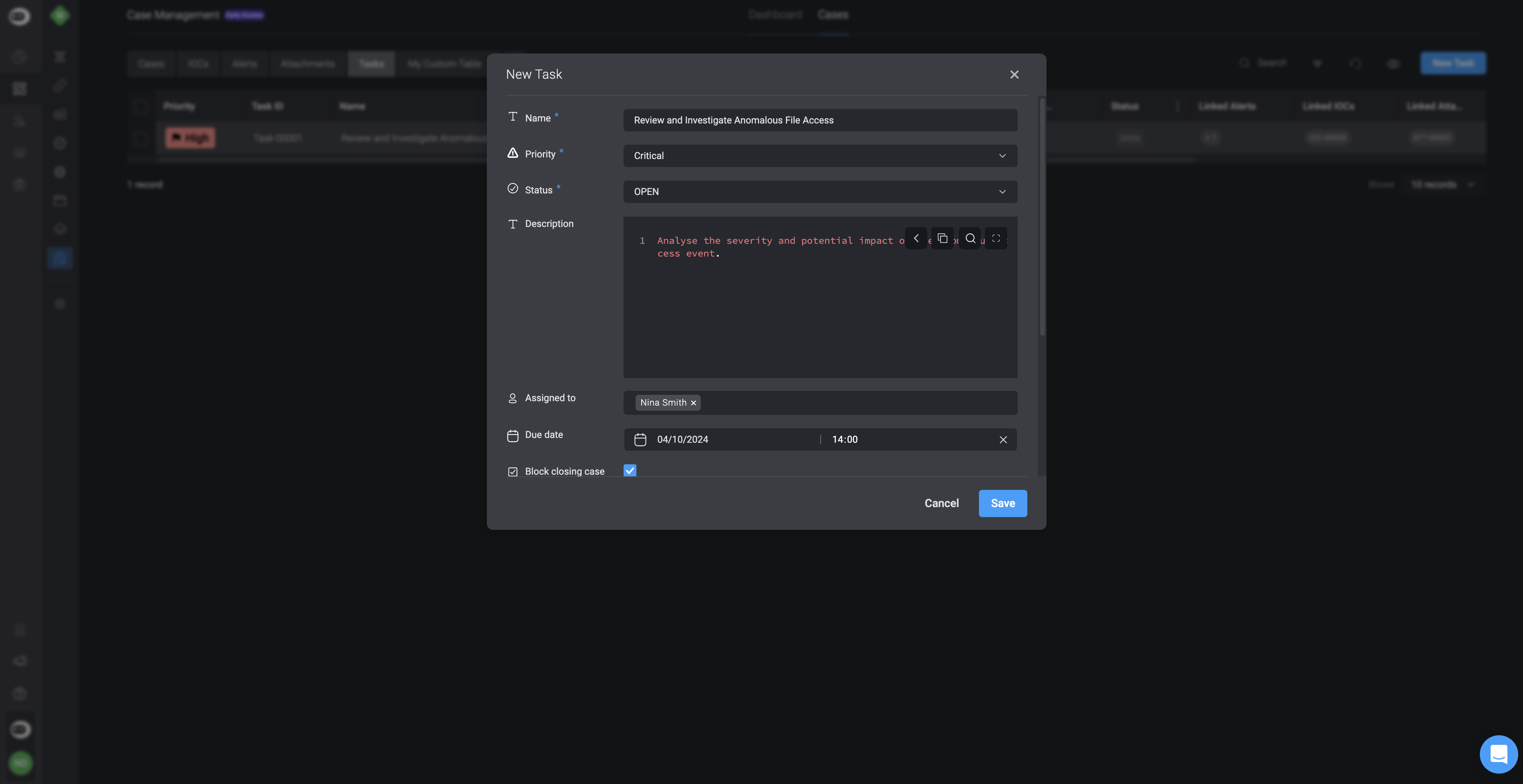
Editing a Task in the Task Table
To
edit a task
, double click on the task you would like to edit, make the desired changes and then proceed by clicking the
save
button.
Was this page helpful?
Yes
No
Deleting a Task
Custom Tables
⌘I
Assistant
Responses are generated using AI and may contain mistakes.