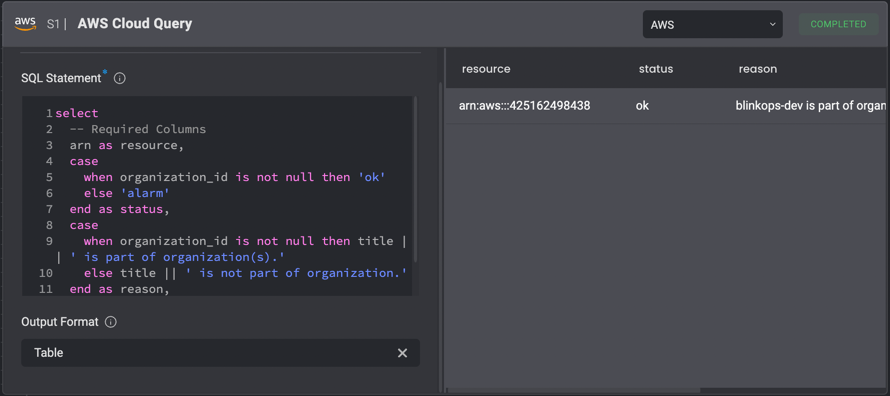
Background
The Run AWS Cloud Query Action performs Steampipe queries on AWS resources with a powerful and simple PostgreSQL syntax.
For example, a complicated action such as fetching all of your EC2 instances IDs in AWS across all regions can be done simply:
select instance_id from aws_ec2_instance
select title, create_date, mfa_enabledfrom aws_iam_user
select arn as resource, case when logging -> 'TargetBucket' is null then 'alarm' else 'ok' end as status, case when logging -> 'TargetBucket' is null then title || ' logging disabled.' else title || ' logging enabled.' end as reasonfrom aws_s3_bucket;
Blink’s supported Steampipe version is: v0.92.1.
Action Parameters
| Parameter | Description |
|---|
| SQL statement | The SQL statement we wish to use to query the resource. |
| Output format | Representation of the output result. The possible options are “Table”, “CSV” or “JSON”. |