Creating a Workflow using the Ask a question via Email Action
- In the New section block, click to open the Action panel. Alternatively, you can drag Actions to your flow, from the menu on the left side of your Workflow Editor screen.
- Search and select the Ask a question via email option.
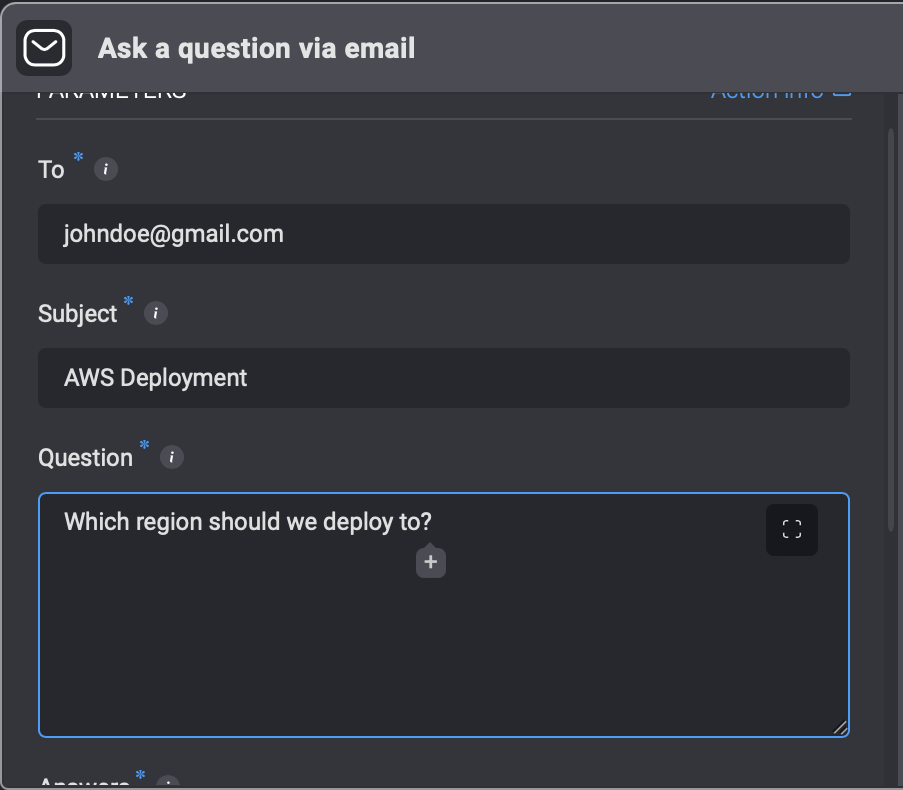
- Enter the following parameters in your step.
| Parameter | Description |
|---|---|
| To | The recipients email address |
| Subject | Emails subject |
| Question | Questions to be answered |
| Answers | Possible answers separated by a comma |
| Timeout in minutes (optional) | Timeout in minutes for the recipient to respond |
| Default timeout response (optional) | The default answer if the recipient does not respond |
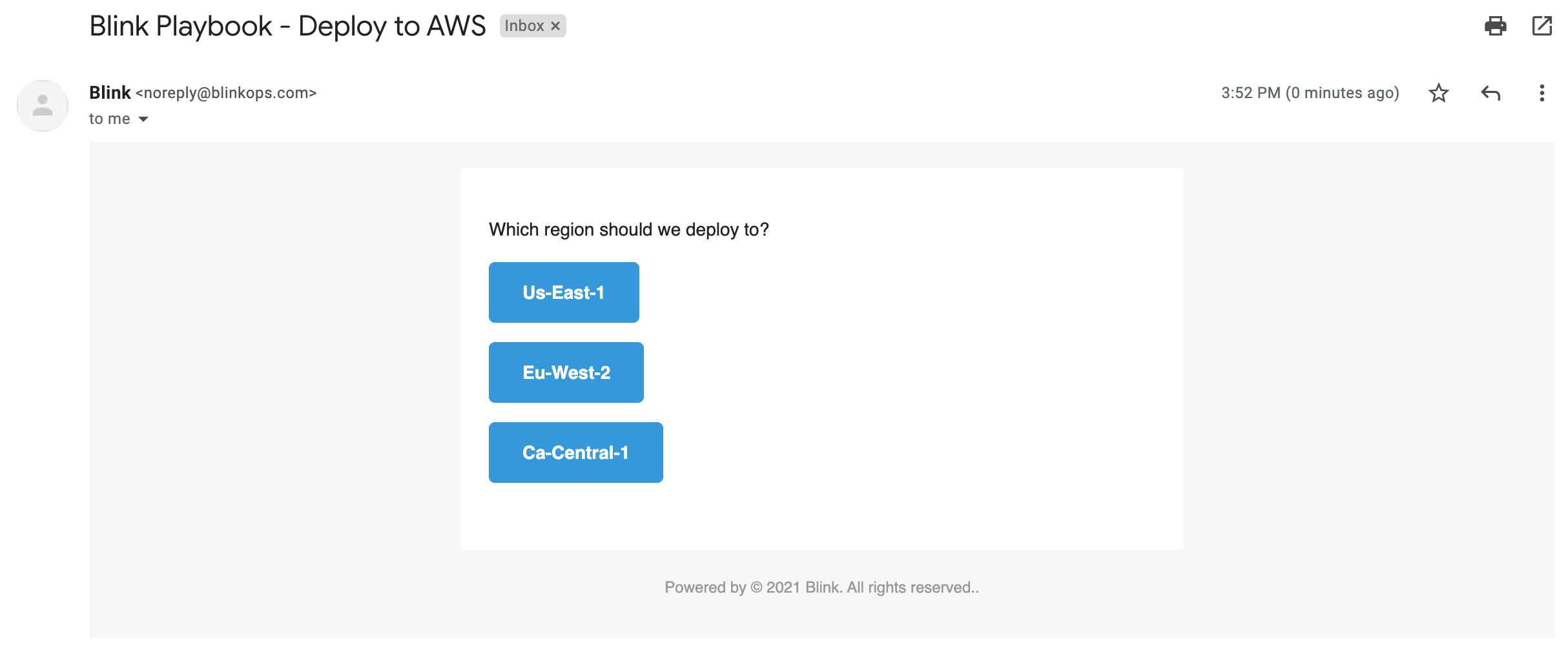
INFOWhile the user is waiting for a response, the Step output shows Workflow execution paused.The recipient receives an email with a question and possible answers. An answer is selected and the Workflow continues to run in accordance with the answer.
- A question is then received via email.
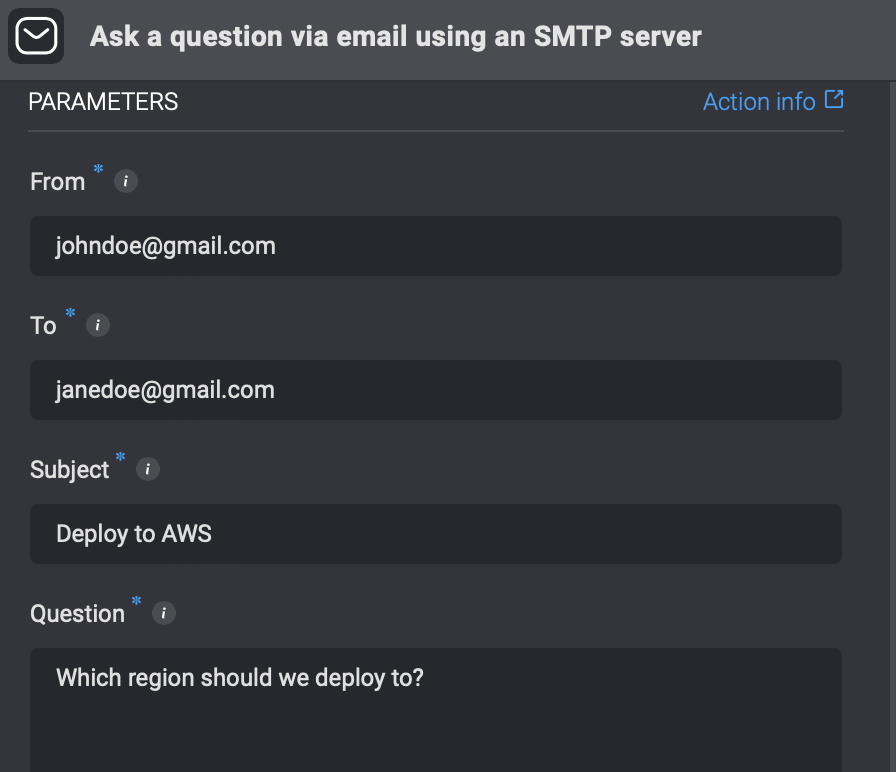
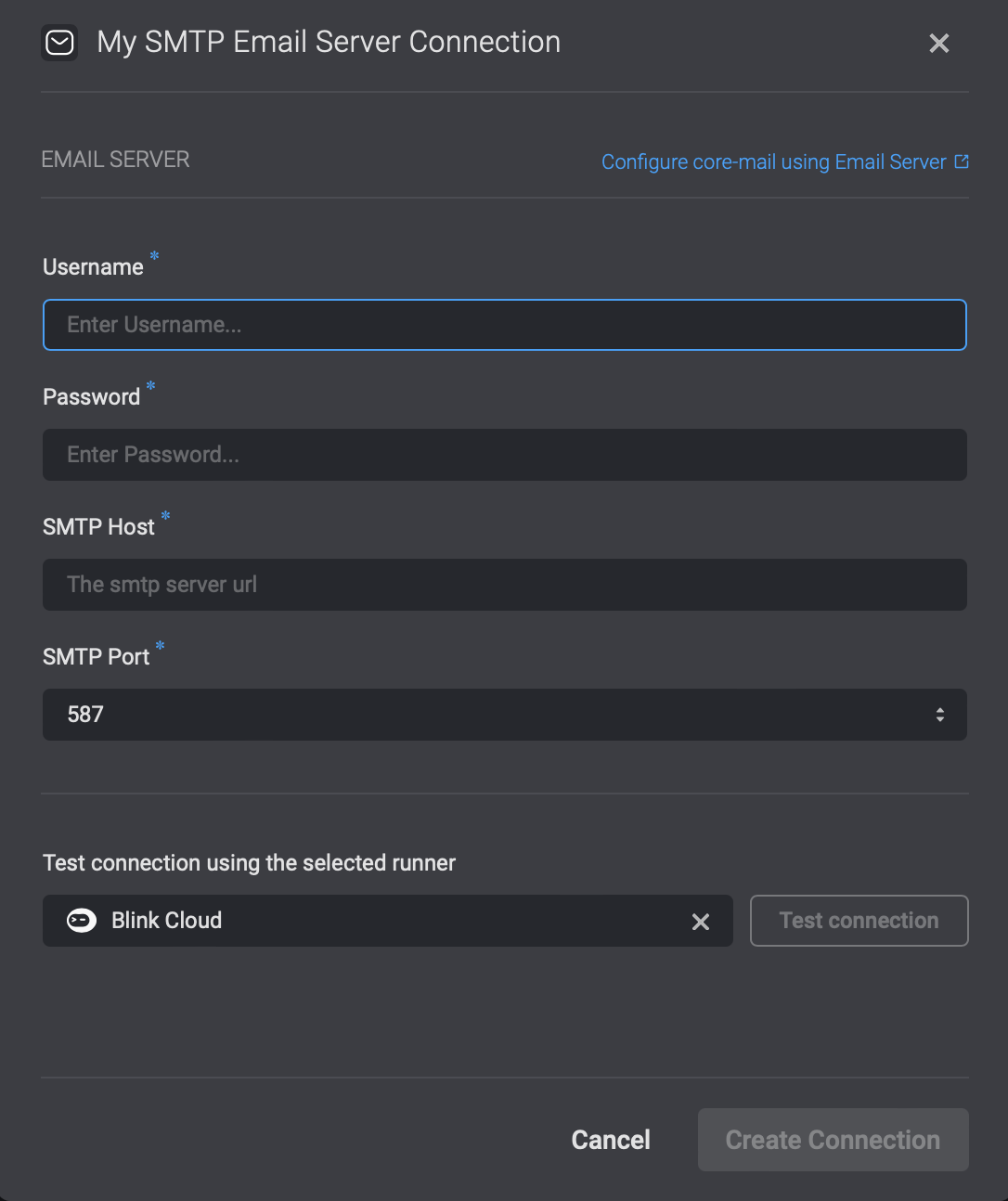
Ask a question via email using an SMPT server
This action works the exact same way as the Ask a question via E-mail however it allows you to ask a question via email using a SMPT Server