

Creating a Workflow using the Ask a question via Zoom Action
- Set up Zoom Chat Bot.
-
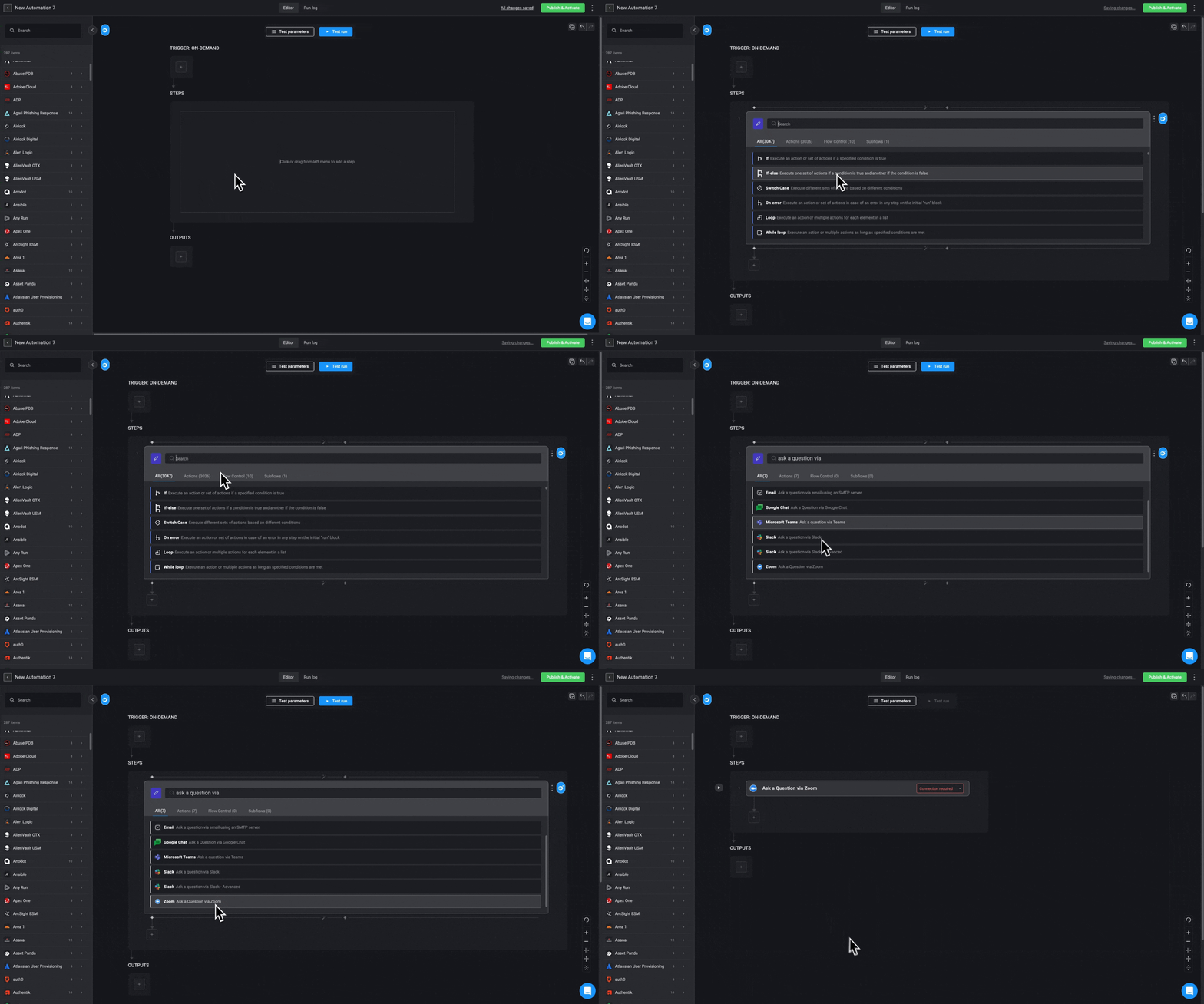
Then head over to the Workflow Editor,search and select the Ask a question via Zoom option. This requires a Zoom connection created with OAuth. If you do not have one already follow this link to create a connection. The step will be added to your Workflow.
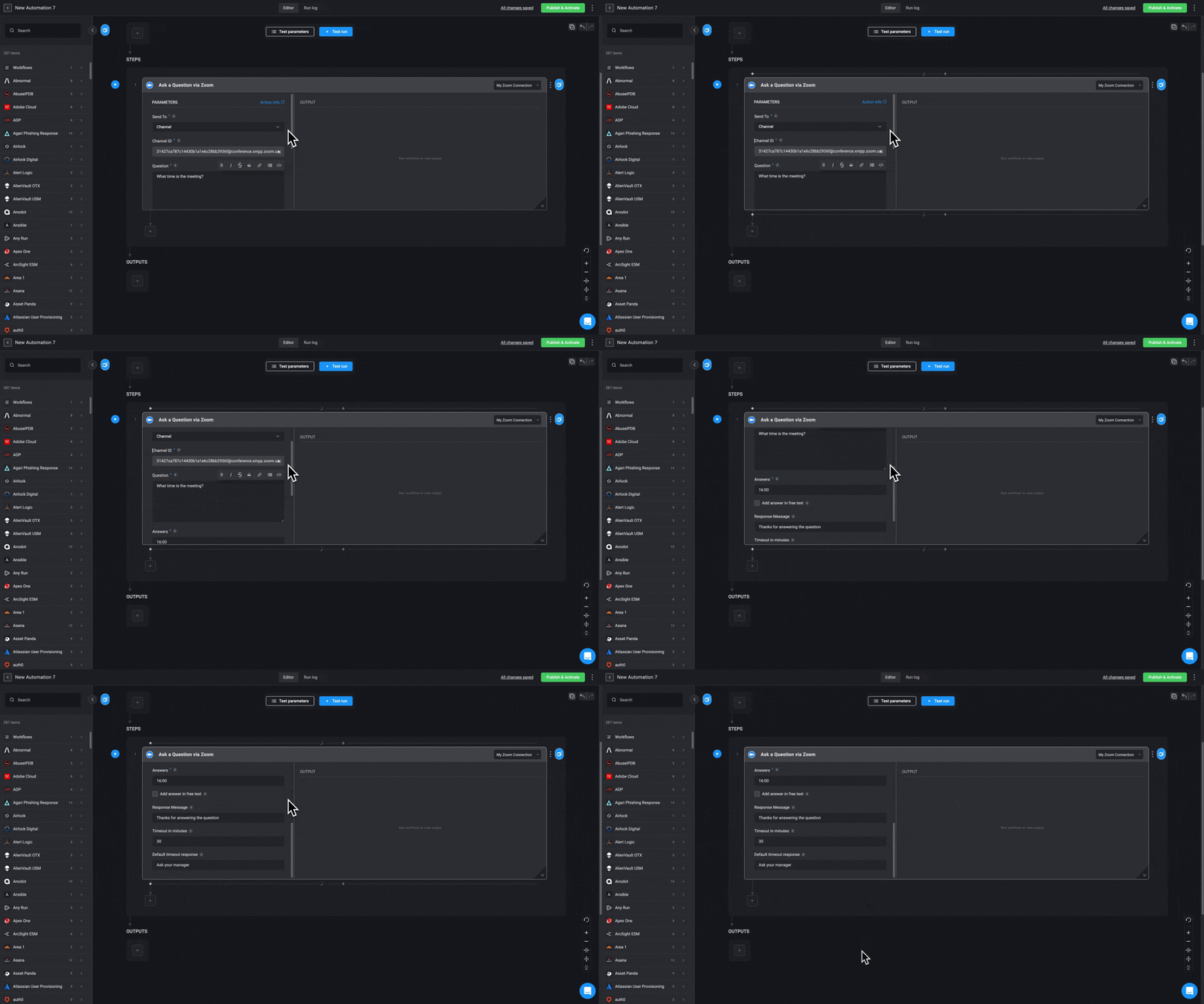
- Enter the following parameters in your step.
| Parameter | Description |
|---|---|
| Send To | The zoom Channel |
| Channel ID | The Zoom’s Channel ID |
| Question | Questions to be answered |
| Answers | Possible answers separated by a comma |
| Add Answer in free text | Check the box to add an answer in free text. |
| Response message | A message the recipient of the question will receive after responding |
| Timeout in minutes (optional) | Timeout in minutes for the recipient to respond |
| Default timeout response (optional) | The default answer if the recipient does not respond |
-
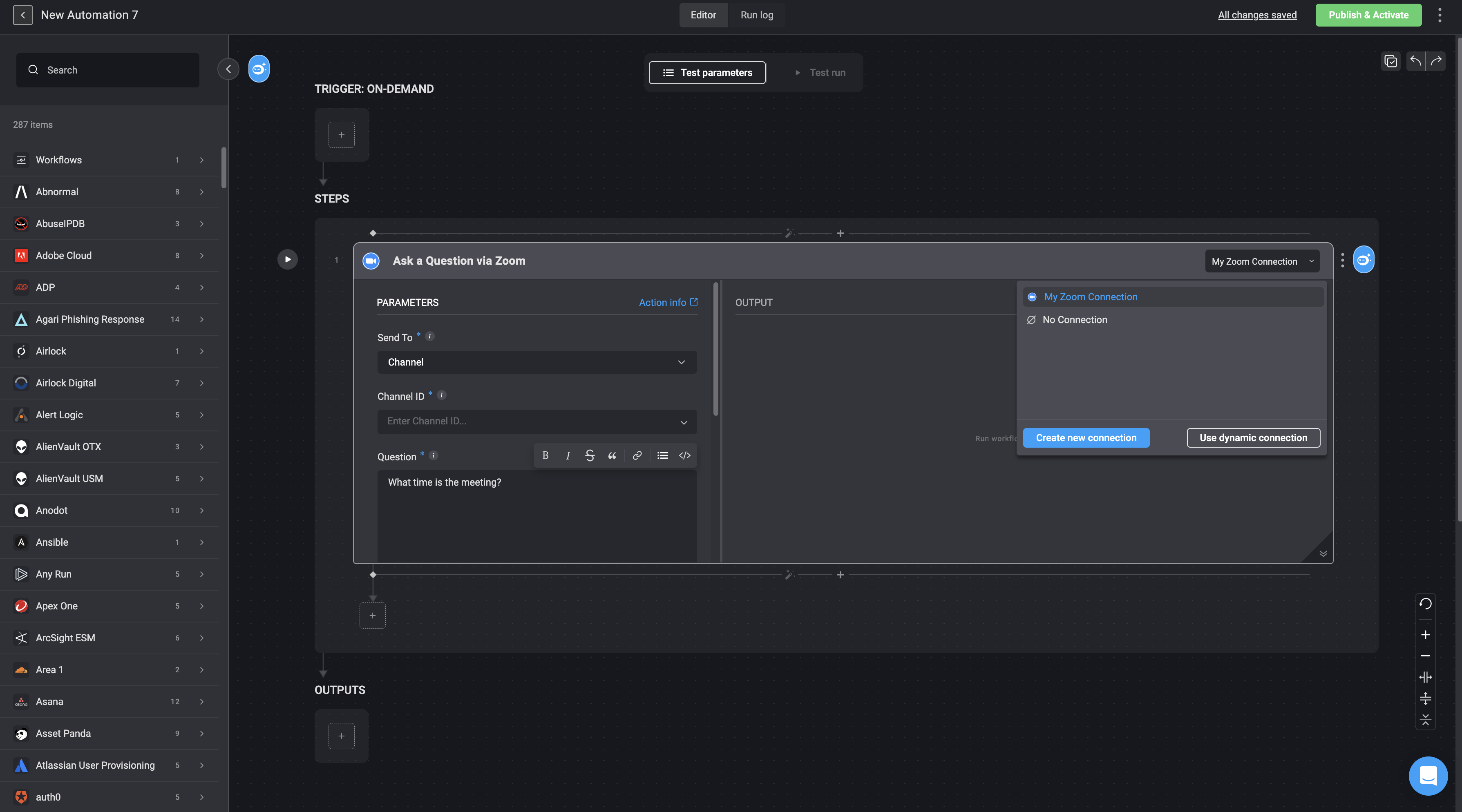
Next, you need to create a connection with Zoom On the right-hand corner of your Step, go to Connection required , then select create new connection and choose the Zoom OAuth Connection method.
-
Click the
 to execute the step.
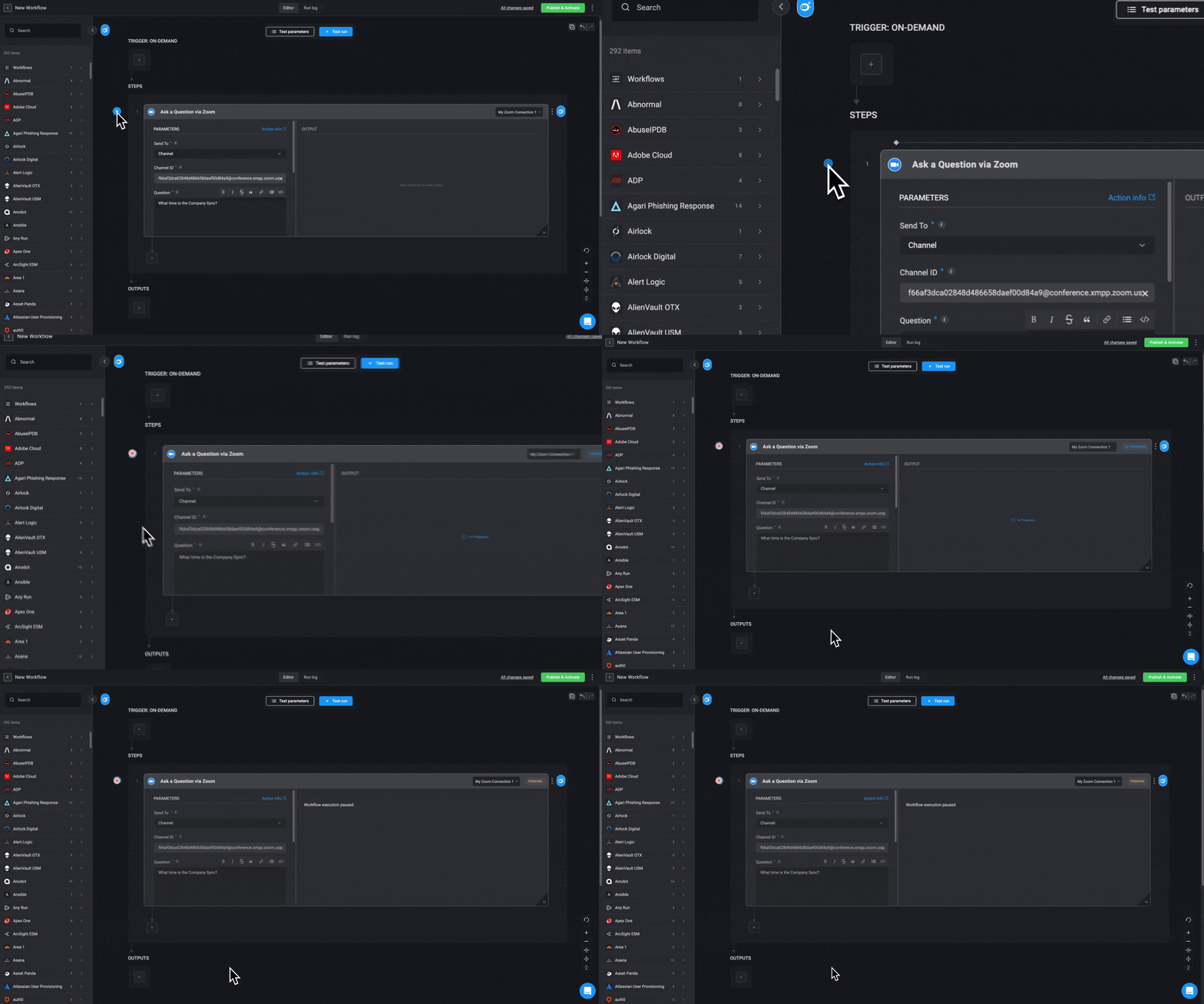
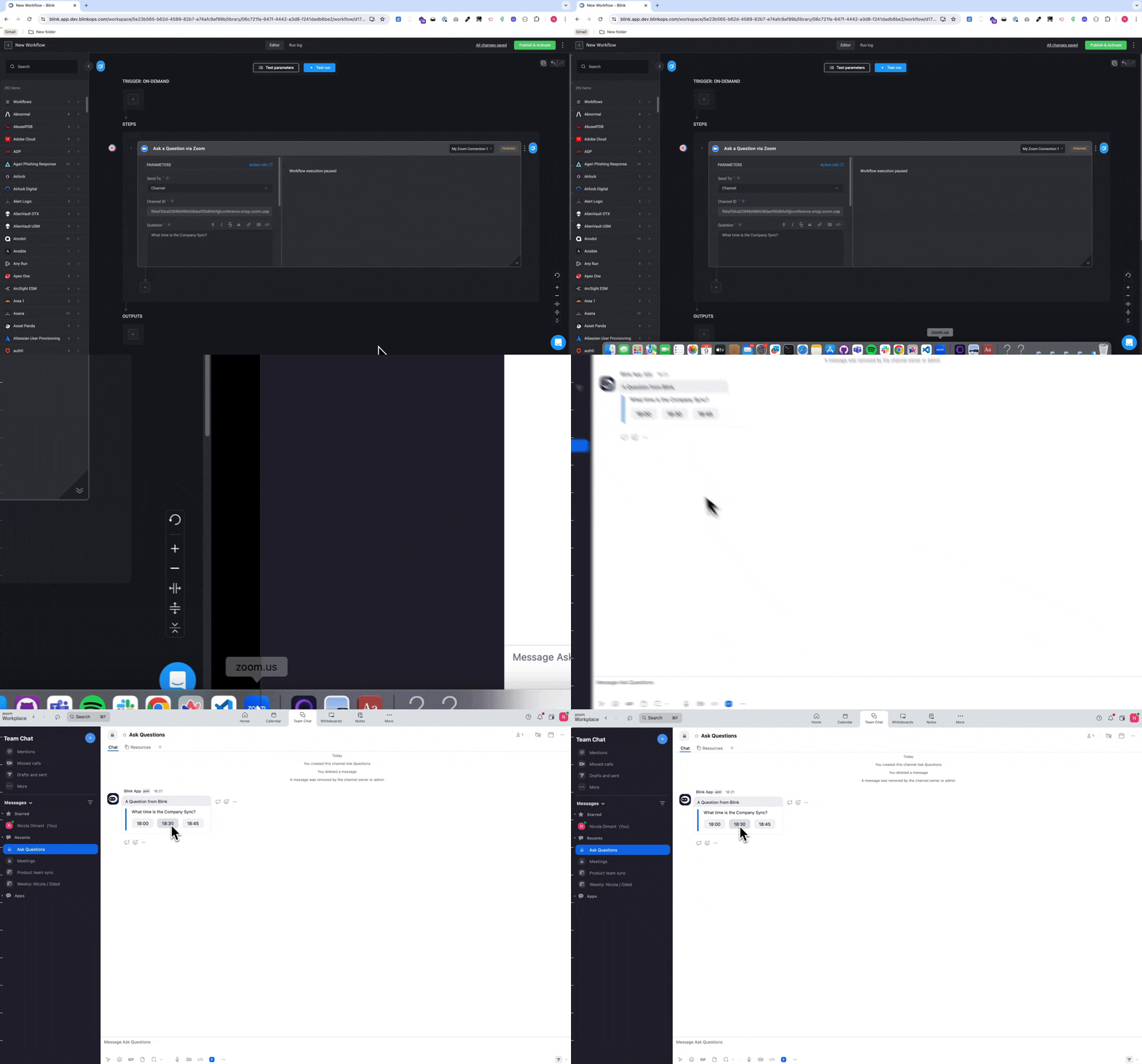
INFOWhile the user is waiting for a response, the Step output shows Workflow execution paused.
-
Head over to the Zoom account and navigate to the Zoom channel you entered to send the question to. A question is then received via Zoom.
- If the recipient does not respond before the timeout, the Workflow uses the default timeout response.