

Creating a Workflow using the Ask a question Step via Microsoft Teams Action
- In the Workflow Editor, under the New section block, click to open the Action panel or drag actions from the left-hand menu into your step. Next, search for and select the Ask a question via Slack option.
- Enter the following parameters in your step.
| Parameter | Description |
|---|---|
| To | The recipients email address |
| Subject | Emails subject |
| Question | Questions to be answered |
| Answers | Possible answers separated by a comma |
| Response message | A message the recipient of the question will receive after responding |
| Timeout in minutes (optional) | Timeout in minutes for the recipient to respond |
| Default timeout response (optional) | The default answer if the recipient does not respond |
- Next, you need to create a connection with Microsoft Teams. In the top-right corner of your Step, select Connection required. If you’ve already set up a Microsoft Teams connection, choose one from the available options, or create a new one by selecting and configuring the Microsoft Teams connection. Then, click Create connection to proceed.
-
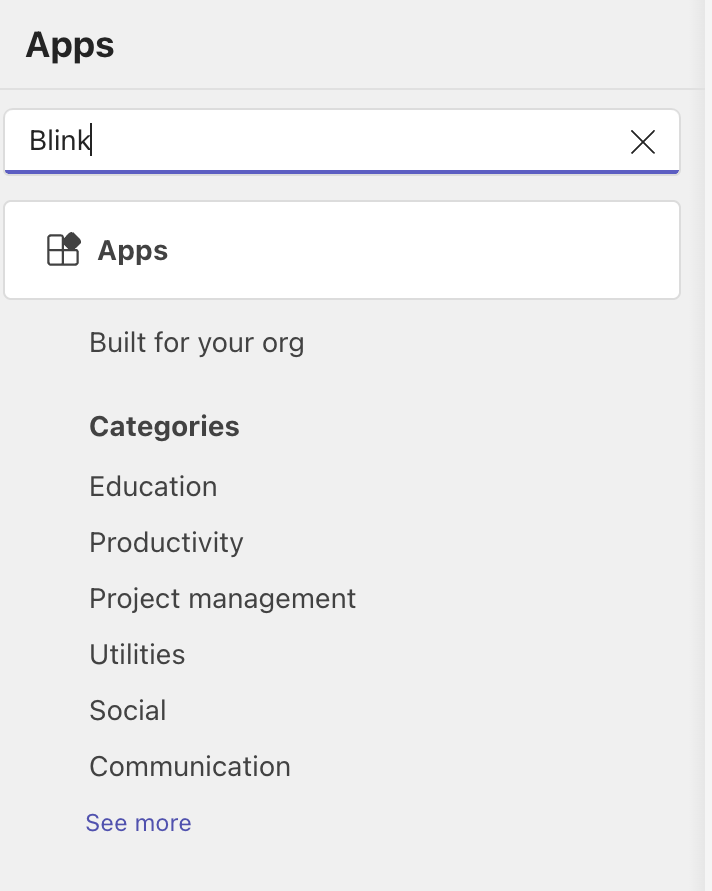
Once you have established a connection with Microsoft Teams, head over to the Microsoft Teams application, select the app icon. Navigate to the search bar and enter Blink into the search bar.
-
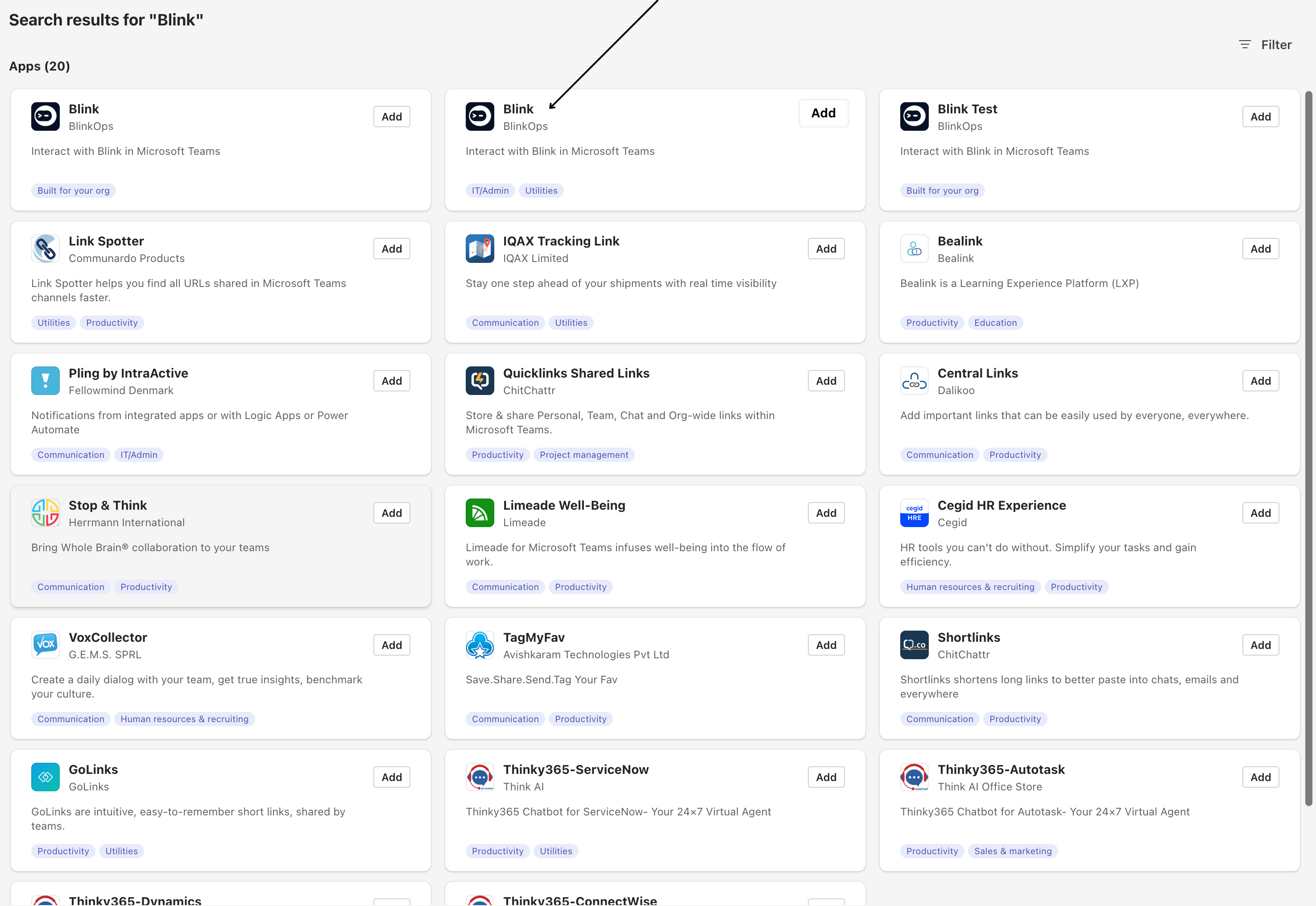
Select the middle option:
-
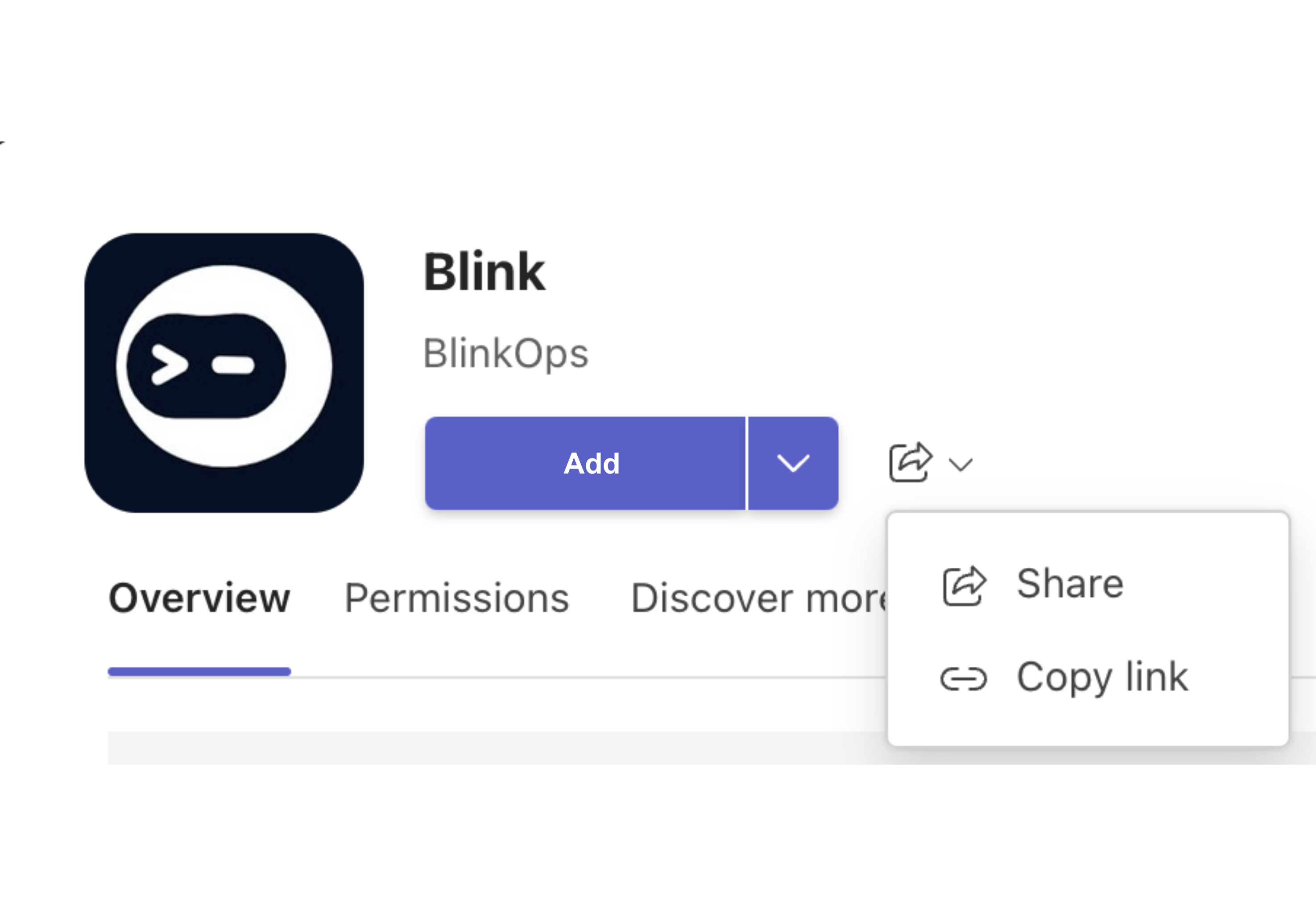
Following that, select and copy the link as illustrated in the image below:
- Paste the link into your web browser’s search engine, and then follow the provided instructions, ensuring to complete all required information.
-
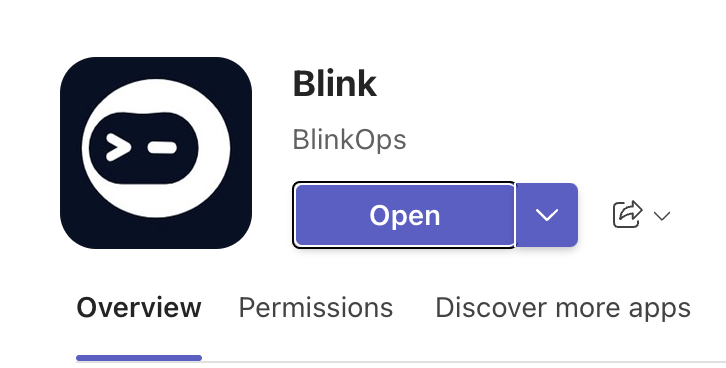
Return to the Blink App option you previously selected within the Microsoft Teams Application, and click the “open” button.
-
You will receive the following message from the Blink App, confirming that you have successfully integrated the Blink App with your Microsoft Teams:
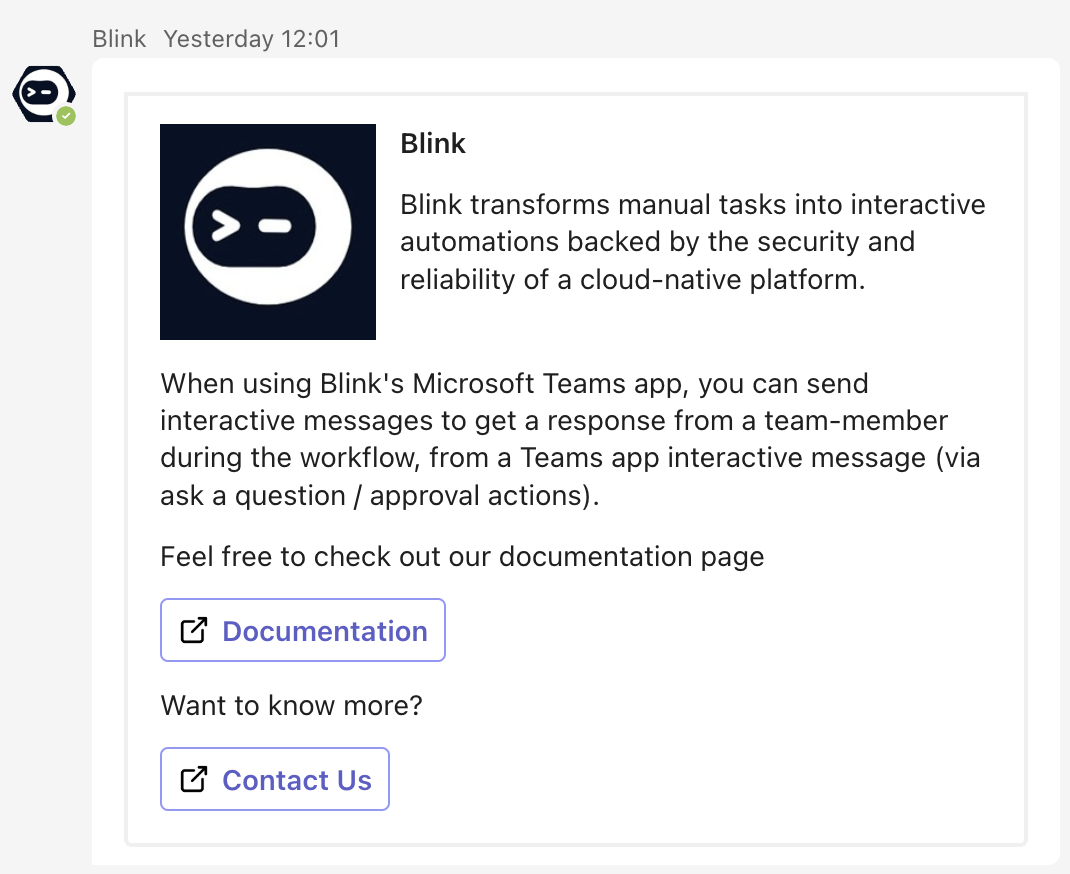
- You can now proceed by interacting with Microsoft Teams by Asking a question via Microsoft Teams:
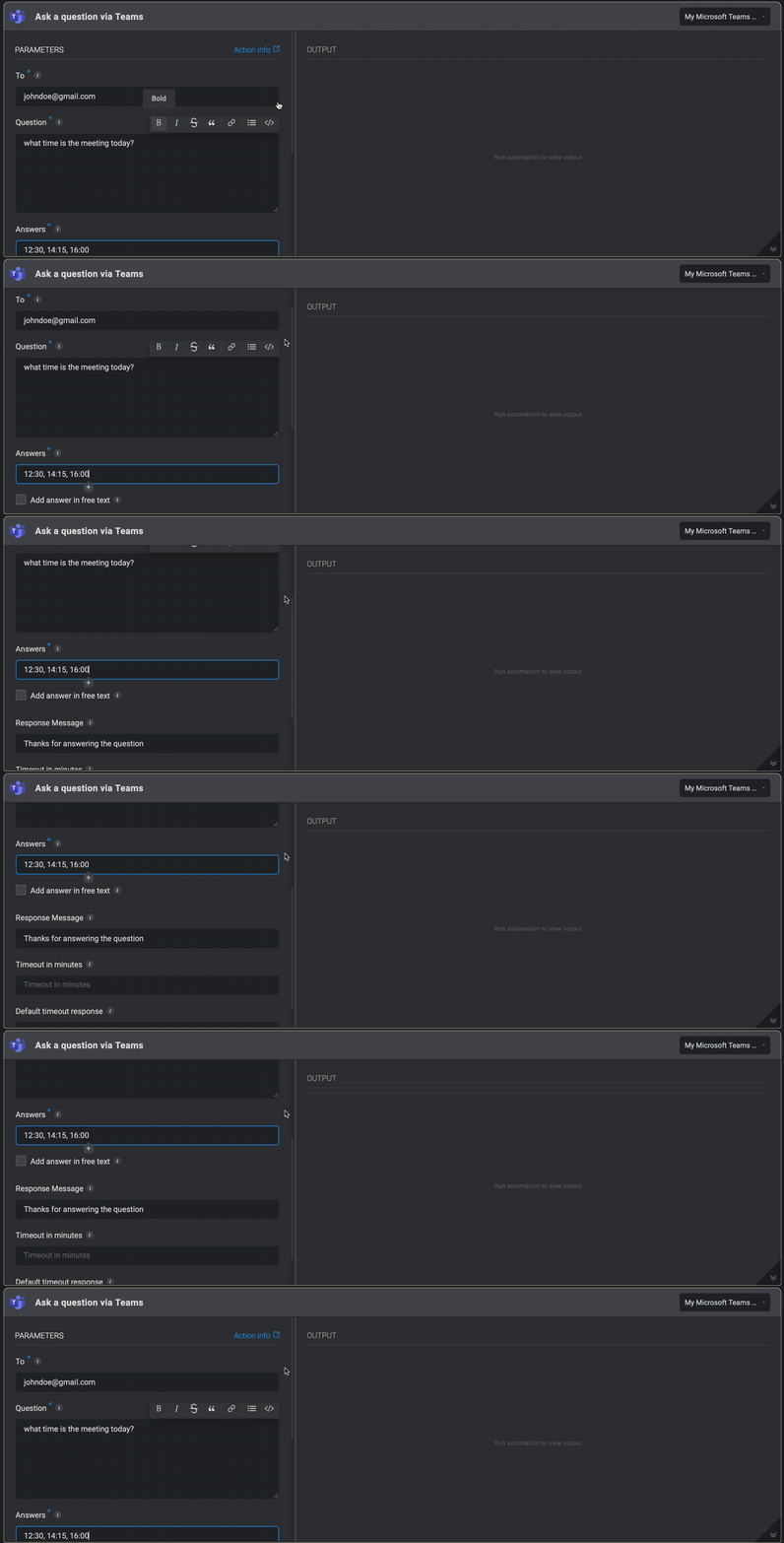
INFOWhile the Workflow user is waiting for a response, the Step output shows Workflow execution paused.The recipient receives a Slack notification, a teams notification, or an email with a question and possible answers. An answer is selected and the Workflow continues to run in accordance with the answer.
- A question is then received via Microsoft Teams.
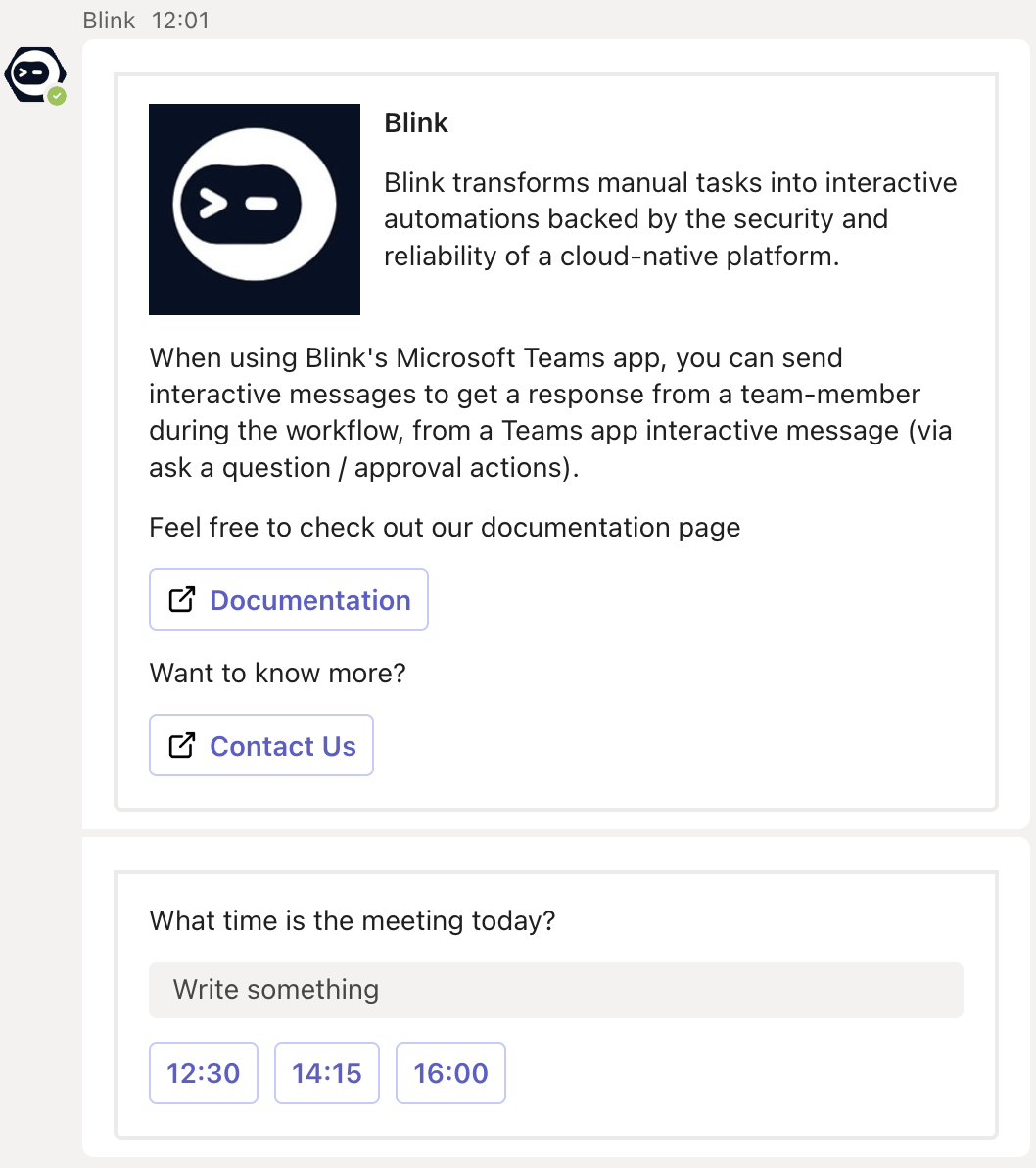
NOTEIf the recipient does not respond before the timeout, the Workflow uses the default timeout response.